

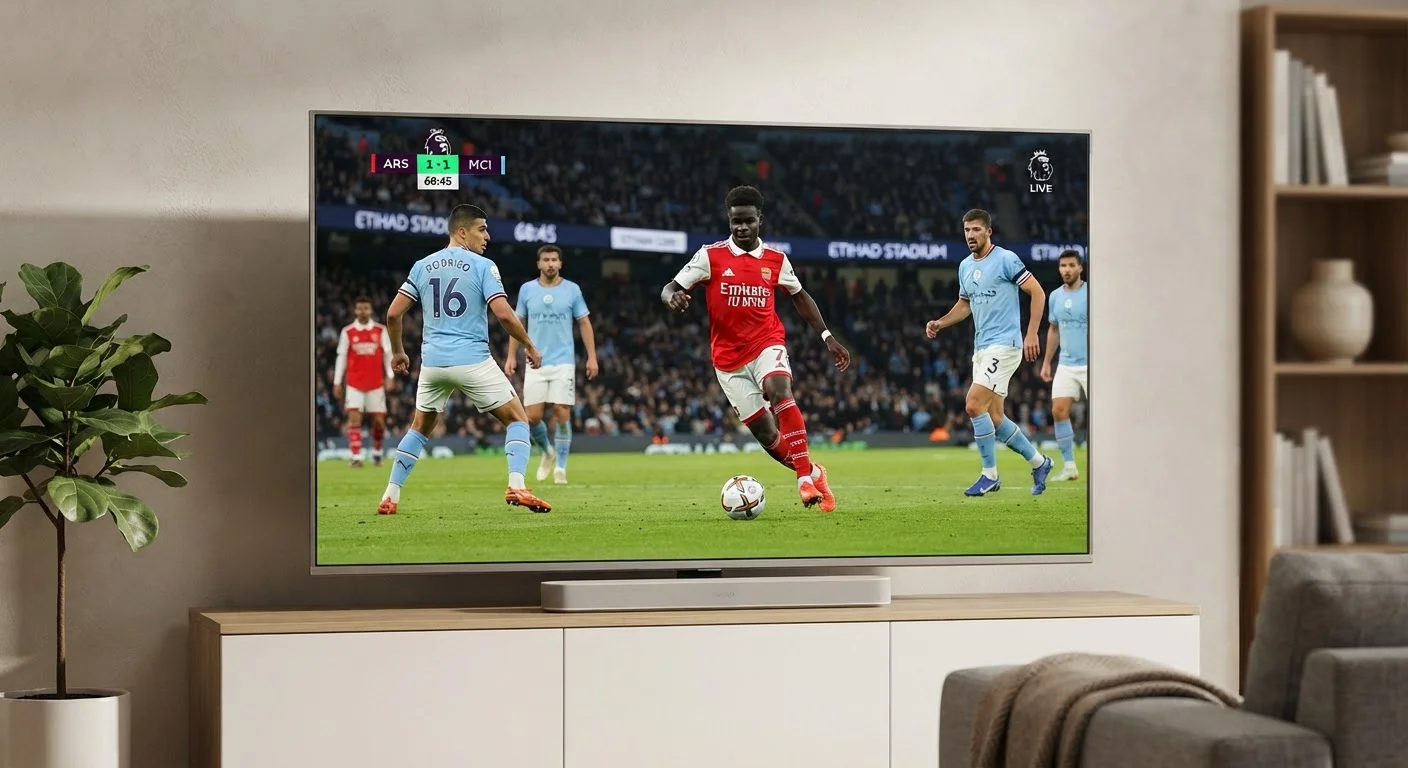
What 60Hz and 120Hz Actually Mean
A TV's refresh rate describes how many times the display updates its image every second. At 60Hz, the screen redraws 60 times per second. At 120Hz, it does so twice as often. More refreshes per second means the panel can display more distinct frames of motion, which translates to smoother-looking movement - at least in theory.
The critical qualifier is native refresh rate. This is the actual physical capability of the panel hardware. Manufacturers routinely advertise inflated numbers - phrases like "Motion Rate 240" or "TruMotion 120" - that blend native panel speed with motion-processing software to arrive at a marketed figure. A TV listed as "240Hz effective" may have a native panel running at 60Hz or 120Hz. Always look for the native spec buried in the detailed technical sheet.
For context, most traditional broadcast television and streaming content is produced at 24, 30, or 60 frames per second. A 60Hz TV can display all of these natively. A 120Hz panel adds headroom for content that's actually shot or rendered at higher frame rates - which, today, is primarily video games and some live sports broadcasts. See our TV spec sheet glossary for a broader look at display terminology that often accompanies refresh rate specs.
24fps
Standard cinematic frame rate for most films
Most Hollywood productions are shot and distributed at 24 frames per second, a standard that has defined the "film look" for decades.
120Hz
Native refresh rate needed for full HDMI 2.1 gaming
Current-generation gaming consoles output up to 120fps, requiring a native 120Hz TV with HDMI 2.1 connectivity to display that content without downsampling.
~5x
Frame repetitions at 60Hz for 12fps content
Without motion interpolation, a 60Hz TV playing 12fps content repeats each frame approximately five times per second to fill the display cycle.
Motion Smoothing: What the Processing Actually Does
When a 120Hz TV receives a 24fps movie signal, it has a problem: it must fill 120 display cycles with only 24 unique frames. One approach is simple frame repetition - show each frame five times. Another, more controversial approach is motion interpolation, commonly called motion smoothing.
Motion smoothing works by analyzing two existing frames and generating an entirely new, synthetic frame to insert between them. The result is motion that appears unnaturally fluid - smoother than anything in the original footage. This is the phenomenon known as the "soap opera effect," because it makes high-budget films look like they were shot with a low-cost video camera.
Filmmakers and cinematographers have long criticized this processing because it strips away the intentional visual texture of cinematic content. The 24fps "film look" is a deliberate creative choice - motion smoothing overrides it. Our companion article on the soap opera effect and picture settings walks through how to identify and disable this processing on most major TV platforms.
How to Find Your TV's Motion Smoothing Setting
Most TVs label motion smoothing under names like "Motion Enhancement," "TruMotion," "MotionFlow," or "Auto Motion Plus" - found in the Picture or Advanced Picture settings menu. Setting it to "Off" or "Custom" with both values at zero disables interpolation. Some TVs also offer a "Film" or "Cinema" mode that automatically minimizes smoothing for video content.
Where Refresh Rate Genuinely Matters
The practical impact of refresh rate depends entirely on what you're watching or playing.
- Live sports: Fast lateral movement - a soccer ball crossing the screen, a basketball play unfolding - benefits most visibly from higher refresh rates. Motion blur is reduced, making the action easier to track.
- Gaming: This is where native 120Hz makes the clearest measurable difference. Games rendered at high frame rates deliver smoother gameplay and, combined with features like Variable Refresh Rate (VRR) and Auto Low Latency Mode (ALLM), reduce screen tearing and input lag. For a deeper look at how these specs interact, our refresh rate and input lag glossary covers the terminology in detail.
- Movies and scripted TV: Most viewers will see little to no benefit from 120Hz over 60Hz, assuming motion smoothing is disabled. The content itself is the limiting factor.
“The frame rate of a film is an artistic decision. When a TV interpolates new frames, it's overriding a choice the director made deliberately - and the result rarely reflects what the filmmaker intended audiences to see.”
— James Zaki, Display technology researcher and home theater consultant
Resolution and refresh rate are sometimes conflated in TV marketing. They're separate specs addressing different aspects of picture quality - for a comparison of how resolution upgrades stack up against refresh rate improvements in real-world viewing, our piece on 4K vs. 1080p in everyday use provides useful context.
How to Apply This When Choosing a TV
A few practical principles help cut through the spec sheet noise:
- Identify the native refresh rate - not the marketed "effective" number. Look for language like "native 120Hz panel" in the specifications section.
- Match refresh rate to your use case. Primarily a movie household? A 60Hz TV with strong picture processing may suit you well. Heavy sports viewer or gamer? A native 120Hz panel with HDMI 2.1 is worth prioritizing.
- Plan to adjust motion smoothing. Most TVs ship with motion smoothing enabled by default. Whether you leave it on or off is a matter of preference, but understanding the setting exists - and what it does - puts you in control of the picture.
Higher refresh rates are a genuine hardware advantage in the right context. But the numbers on a spec sheet rarely reflect the full picture - understanding the distinction between native capability and processed output helps you evaluate what a TV will actually deliver in your living room. For a broader comparison of display specs, our look at 4K vs. 8K resolution applies a similar critical lens to resolution claims.
Variable Refresh Rate (VRR) Explained
VRR is a feature available on some 120Hz TVs that allows the display's refresh rate to dynamically sync with the frame rate output of a connected gaming console or PC. Instead of a fixed 120Hz, the TV might run at 60Hz, 90Hz, or 110Hz in real time - matching whatever the game is rendering. This eliminates screen tearing without the input lag penalty of older fixed-rate solutions.
Frequently Asked Questions
For fast-moving content like sports and gaming, a native 120Hz panel provides genuinely smoother motion. For slower content like dramas or news, most viewers won't notice a meaningful difference. The benefit depends heavily on what you watch most.
The soap opera effect is the hyper-smooth, almost video-like look that motion smoothing processing creates. It makes film content look artificially fluid because the TV is interpolating extra frames. Many viewers find it unflattering for movies, and it can usually be turned off in picture settings.
Most streaming content is delivered at 24, 30, or 60 frames per second. True 120fps streaming content is rare, though some gaming platforms and select sports broadcasts are beginning to explore higher frame rates.
Many manufacturers use marketing terms like "240Hz effective" or "motion rate 240" to describe panels that are physically 60Hz or 120Hz panels enhanced with motion-processing software. Always look for the native refresh rate in the detailed specifications.
Yes, significantly. A native 120Hz TV with a low input lag and HDMI 2.1 connectivity is meaningfully better for gaming than a 60Hz set - particularly with fast-paced or competitive titles. Features like Variable Refresh Rate (VRR) further reduce screen tearing.
For movies and scripted TV, most videophiles recommend disabling motion smoothing to preserve the intended cinematic look. For live sports, some viewers prefer it on. It's a personal preference, and most TVs let you adjust it independently per input or content mode.
The content on this site is for informational purposes only and is not a substitute for professional advice. Always consult a qualified professional for guidance specific to your situation.