

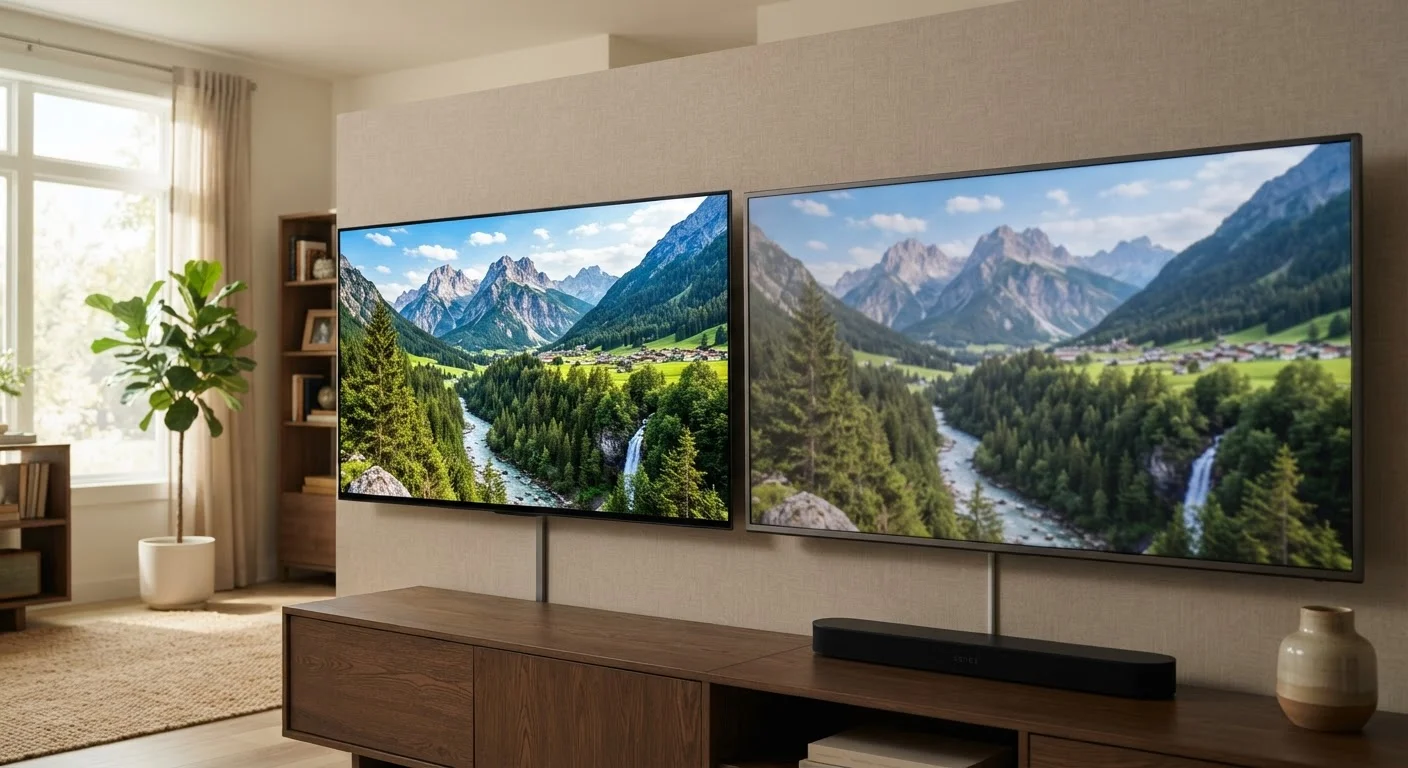
Option A
4K (Ultra HD)
The high-density standard with four times the pixels of 1080p.
Best for: Large screens viewed at close range, native 4K streaming content, and future-proofing a primary TV setup.
Option B
1080p (Full HD)
The proven, widely supported resolution that still dominates most content.
Best for: Smaller screens, secondary rooms, and viewers who sit farther from the display or consume mostly cable and broadcast content.
What the Numbers Actually Mean
Resolution describes the number of pixels packed into a display. A 1080p screen has 1,920 × 1,080 pixels - just under 2.1 million total. A 4K (Ultra HD) screen runs at 3,840 × 2,160, landing at roughly 8.3 million pixels. That four-to-one ratio sounds dramatic, and marketing leans into it hard.
What the spec sheet skips is the role of visual acuity. The human eye has a limit to the detail it can resolve at a given distance. Beyond that limit, additional pixels don't register as sharper - they simply go unnoticed. This is why resolution specs without context about screen size and seating distance tell an incomplete story, a theme explored further in Why Identical Specs Don't Always Mean Identical Products.
| Criterion | 4K (Ultra HD) | 1080p (Full HD) |
|---|---|---|
| Total pixels | ~8.3 million | ~2.1 million |
| Visible difference at 10 ft on 55" screen | Noticeable with native content | Slightly softer fine detail |
| Visible difference at 10 ft on 32" screen | Minimal for most viewers | Comparable perceived sharpness |
| Broadcast/cable content compatibility | Upscales from 720p/1080i | Direct native match or close |
| Streaming 4K content availability | Supported on major platforms | Not applicable |
| Typical display size availability | Common from ~43" and above | Common from ~24" to 55" |
| HDR support | Widely supported | Limited, less common |
The Distance and Size Equation
Industry guidelines suggest that to perceive the full sharpness of a 4K image, a viewer sitting roughly 8 feet away needs a screen of at least 55 inches. Sit 10 feet back, and that threshold rises to around 70 inches. On a 32-inch bedroom TV watched from across the room, 4K's extra pixels are largely invisible to most viewers.
This isn't a flaw of 4K - it's simple optics. For a deeper look at how room dimensions interact with screen size, see TV Screen Size and Viewing Distance. The practical upshot: resolution matters most when screen size is large and seating distance is short.
4×
More pixels in 4K vs. 1080p
A 4K panel contains approximately 8.3 million pixels compared to 1080p's roughly 2.1 million, a four-to-one ratio by pixel count.
~55"
Minimum screen size to see 4K detail at 8 feet
Viewing distance guidelines commonly cited by display engineers suggest 55 inches as a rough threshold for resolving 4K sharpness at an 8-foot seating distance.
720p/1080i
Typical U.S. broadcast resolution
Over-the-air television in the United States is generally transmitted at 720p or 1080i, well below the 4K standard.
Content: The Limiting Factor Most Buyers Overlook
A 4K television cannot manufacture 4K detail from a 1080p source. It can upscale - using processing algorithms to estimate and fill in pixels - but upscaling is an approximation, not genuine resolution. The quality of that process varies widely between display manufacturers.
In practice, over-the-air broadcast television in the U.S. still transmits at 1080i or 720p. Most cable packages do the same. Major streaming platforms offer 4K tiers, but those often require higher-speed internet plans and specific subscription levels. Standard streaming defaults frequently land at 1080p. This makes the real-world gap between a 4K and 1080p TV narrower for everyday viewing than the spec sheet implies.
It's also worth noting that picture quality involves far more than resolution. Panel type, local dimming, color volume, and HDR implementation often produce more visible differences than pixel count alone. For context on how HDR formats interact with the image you actually see, the HDR Formats Decoded guide is a useful companion read.
Where Each Resolution Still Makes Sense
1080p remains a practical, capable choice for secondary rooms, smaller displays, and households whose primary viewing diet is cable, broadcast, or standard-definition streaming. Displays at this resolution continue to deliver clean, detailed images for the content most Americans watch daily.
4K earns its place on a large primary screen where native 4K content - especially HDR-graded films and series from major streaming platforms - is a regular part of the viewing routine. Gaming on a 4K display at close range is another scenario where the resolution difference becomes genuinely perceptible. If you're curious how the next step up compares, 4K vs. 8K Resolution applies similar logic to an even more marketing-heavy upgrade.
Resolution is one variable among many. Brightness, contrast, motion handling, and panel uniformity all shape what you perceive. As covered in Refresh Rate Reality, spec numbers often interact in ways that aren't obvious until a display is in your home.
Upscaling Is Not the Same as Native 4K
When a 4K TV receives a 1080p signal, it uses internal processing to scale the image up to fill the screen. This can look smooth and clean, but it does not recover detail that wasn't in the original signal. The quality of upscaling varies significantly between display models and manufacturers, so two 4K TVs can handle the same 1080p source very differently.
The content on this site is for informational purposes only and is not a substitute for professional advice. Always consult a qualified professional for guidance specific to your situation.