

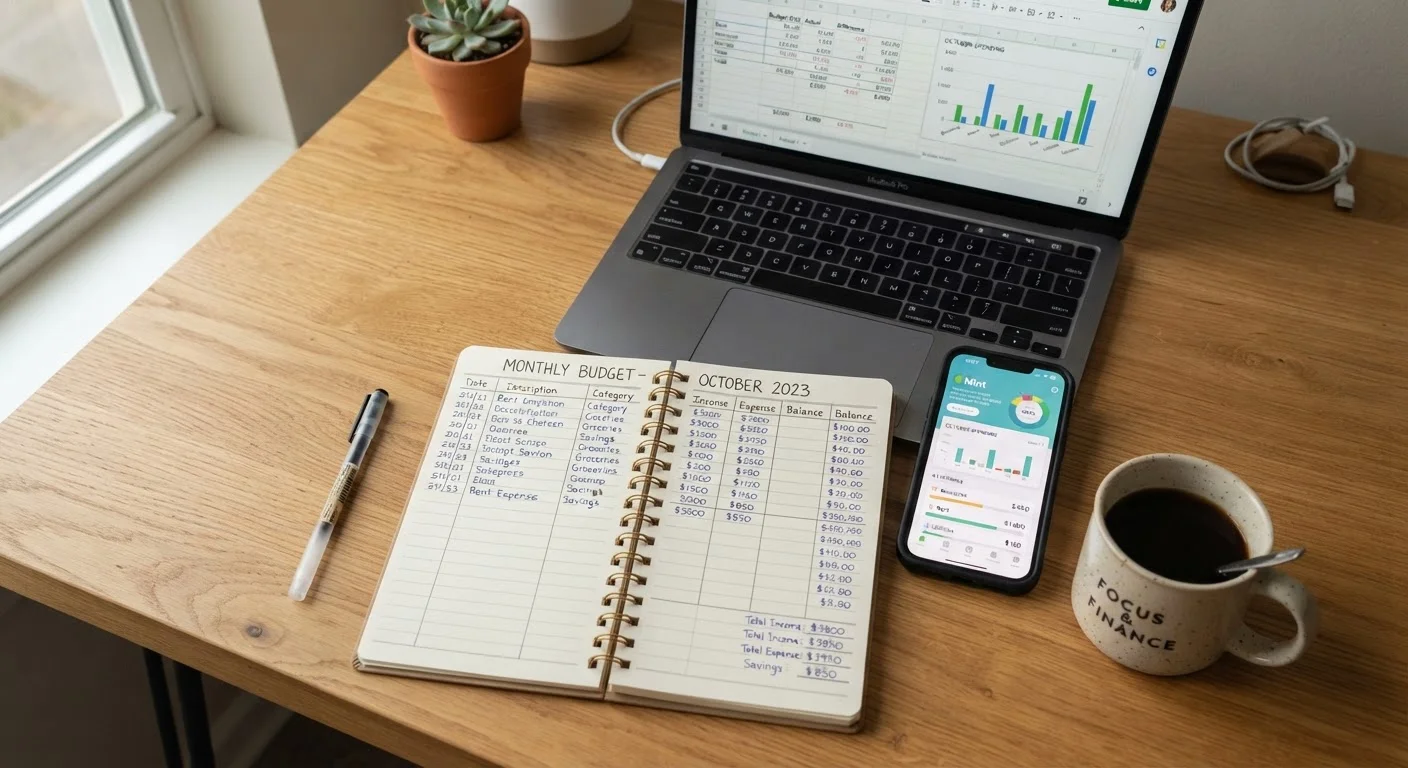
Our Verdict
Each tracking method has a distinct strength: apps win on automation and real-time visibility, spreadsheets win on flexibility and control, and pen-and-paper wins on mindfulness and simplicity. The right choice depends on your tech comfort, privacy preferences, and how hands-on you want to be with your numbers.
| Best for | Recommended |
|---|---|
| Busy households who want automation and minimal manual work | Budgeting Apps |
| Detail-oriented planners who want full control over categories and formulas | Spreadsheets |
| Those building spending awareness from scratch or avoiding screen time | Pen-and-Paper |
| Anyone who has struggled to maintain a single method long-term | Hybrid approach combining two methods |
Why the Method Matters as Much as the Habit
Tracking your spending is one of the highest-impact financial habits you can build - but picking a tool that clashes with your personality or lifestyle is a fast route to abandonment. If you're new to monitoring where your money goes, the Shopping Budget Starter Kit is a useful first stop before diving into method comparisons.
This article focuses on three core approaches - spreadsheets, dedicated apps, and pen-and-paper - and weighs each against real-world use. None is universally superior. What matters is consistency, and consistency is mostly a product of fit.
| Spreadsheets | Apps | Pen-and-Paper | |
|---|---|---|---|
| Setup effort | Moderate - template or build from scratch | Low - account linking guides you | Very low - notebook and pen only |
| Ongoing maintenance | High - manual entry required | Low - auto-syncs transactions | High - every purchase recorded by hand |
| Customization | Very high - fully flexible | Moderate - preset categories | Unlimited - freeform format |
| Privacy risk | Low - data stays local or in your account | Higher - account credentials shared | None - fully offline |
| Spending awareness built | Moderate - depends on review frequency | Moderate - alerts help but passive | High - writing reinforces attention |
| Cost | Free to low (software you likely own) | Free to ~$15/month (subscriptions vary) | Minimal - cost of a notebook |
| Best for | Detail-oriented planners | Busy, tech-comfortable households | Beginners or mindfulness-focused users |
Spreadsheets: Maximum Control, Minimum Hand-Holding
A well-built spreadsheet gives you a blank canvas: custom categories, running totals, conditional formatting, and month-over-month trend lines. Tools like Google Sheets or Microsoft Excel are free or already included in software you likely own, and templates are widely available.
The trade-off is maintenance. Every transaction must be entered manually unless you export bank data as a CSV - a step that adds friction. Formulas break, categories need updating, and if you skip a week, catching up feels like a chore.
Spreadsheets tend to suit people who are already comfortable navigating rows and columns, who have irregular income or unusual budget categories that standard apps don't accommodate, and who prefer not to link financial accounts to a third-party service. Pair your spreadsheet habit with a monthly budget review checklist to keep the process structured.
Start With a Template, Not a Blank Sheet
If you're new to spreadsheet budgeting, avoid building from scratch. Dozens of free, well-structured templates are available from personal finance communities and software providers. Starting with a working framework lets you focus on your numbers rather than formula logic. Once you've used it for a month or two, customize it to match your actual spending categories.
Apps: Automation With Ongoing Trade-Offs
Budgeting apps automate the tedious parts: many connect directly to bank and credit card accounts, pull transactions automatically, and categorize spending in real time. Alerts for overspending, visual dashboards, and goal-tracking features are common. For households juggling multiple accounts, that automation is genuinely valuable.
The costs are real, though. Linking financial accounts to any third-party app involves sharing credentials or read-only access - a privacy and security consideration worth taking seriously. Some apps are subscription-based. Auto-categorization is imperfect and often needs manual correction, which can feel like manual entry anyway.
Apps also tend to surface spending patterns clearly, which can make it easier to spot the subtle habits that quietly derail budgets before they compound. If you're weighing apps against a more tactile approach, see the broader look at envelope budgeting versus spending tracker apps.
~1 in 3
Americans who use a budget regularly
Gallup polling has consistently found that fewer than half of U.S. adults maintain a detailed household budget.
60%+
Budgeters who abandon new methods within 3 months
Behavioral finance research broadly suggests that tool-habit mismatch is a primary driver of early abandonment.
Pen-and-Paper: Low Tech, High Awareness
Writing down every purchase by hand creates a friction that, counterintuitively, is often its biggest advantage. Research in behavioral finance consistently suggests that the act of physically recording a transaction increases awareness of it - making impulsive spending feel more deliberate and visible.
The limitations are obvious: no automation, no alerts, and scaling beyond a single person's spending quickly becomes unwieldy. Losing the notebook means losing the record. For people managing complex finances with multiple income streams, this method alone is rarely sufficient.
Where pen-and-paper shines is as an entry point or complement. Someone just starting to track spending may find a simple notebook less intimidating than setting up a spreadsheet or navigating a new app. It also works well as a weekly summary layer on top of a digital method.
Matching the Method to Your Situation
Before choosing a method, consider two things: how much time you realistically have each week to maintain it, and how comfortable you are with technology. A sophisticated app that goes unused is worse than a modest notebook that gets filled in every evening.
Also think about what categories matter most for your household. The budget categories most shoppers overlook often get lost in apps that use rigid default groupings - a spreadsheet may handle these better.
Finally, consider a hybrid. Many households successfully use an app for automated transaction capture and a weekly paper or spreadsheet review for reflection and adjustment. This approach leverages automation while preserving the intentionality that keeps spending in check. For a broader framework on how rigid versus flexible tracking structures perform, see strict budget limits versus flexible spending ranges.
This article is for general informational and educational purposes only and does not constitute personalized financial advice. Consult a qualified financial professional for guidance specific to your situation.
The content on this site is for informational purposes only and is not a substitute for professional advice. Always consult a qualified professional for guidance specific to your situation.