

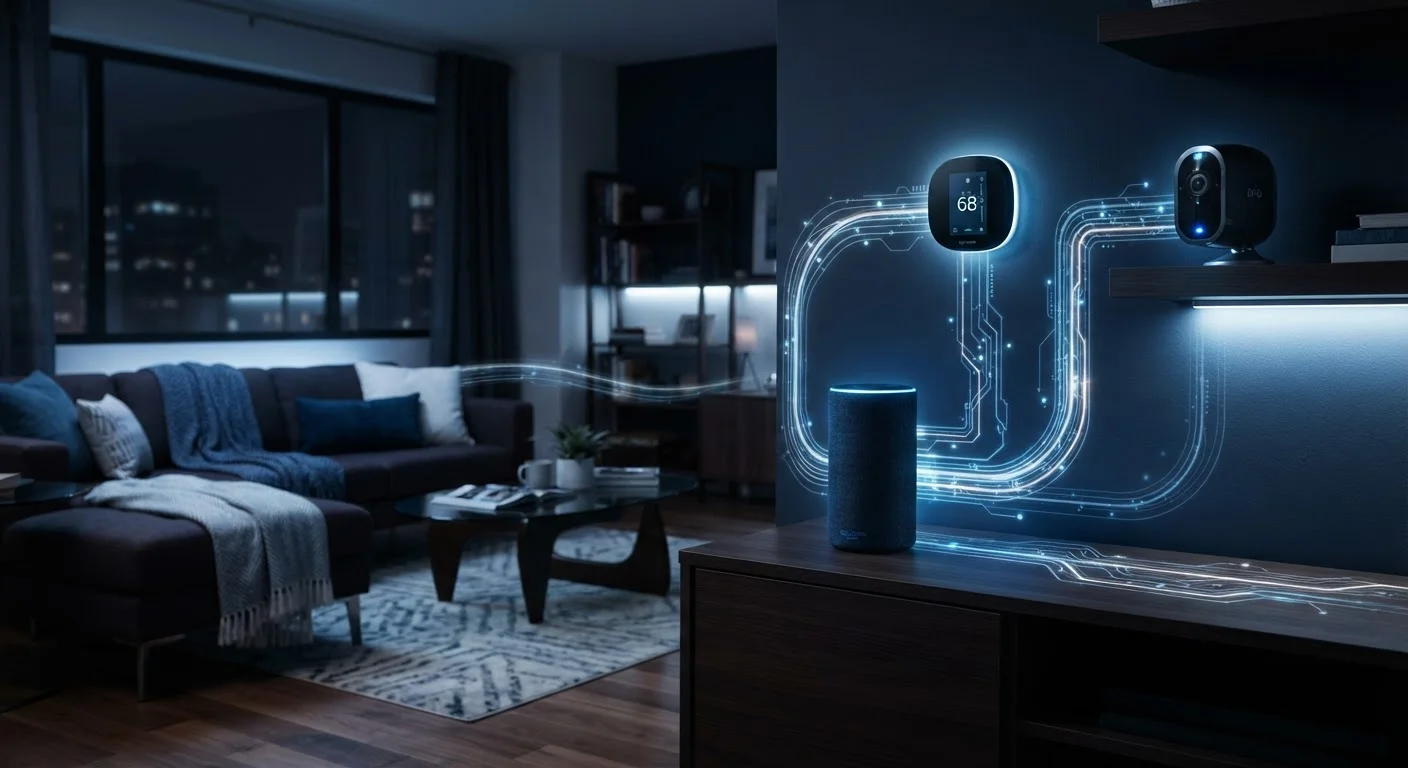
What Types of Data Smart Home Devices Actually Capture
The category of device determines what gets collected - and the list is broader than most people expect. Here's a breakdown by device type:
- Smart speakers and voice assistants: Voice recordings (triggered by wake words or accidental activation), command history, device interaction frequency, and account linkages.
- Smart thermostats: Daily schedules, occupancy patterns, temperature preferences, and sometimes geolocation data from your phone to detect when you're home.
- Video doorbells and security cameras: Continuous or motion-triggered video and audio, timestamps, facial recognition data (on some models), and visitor frequency.
- Smart TVs: Viewing history via Automatic Content Recognition (ACR), app usage, and browsing behavior within built-in browsers.
- Smart plugs and lighting: Device on/off schedules, energy consumption, and behavioral routines inferred from usage patterns.
Even devices that seem low-stakes - like a smart light bulb - contribute to a broader behavioral profile when combined with data from other devices on the same account or network.
79%
Americans concerned about company data use
According to Pew Research Center, roughly 79% of U.S. adults say they are concerned about how companies use data collected about them.
~30+
Connected devices in average U.S. home
Industry estimates suggest the average American household has more than 30 internet-connected devices - each a potential data collection point.
45%
Smart TV owners unaware of ACR tracking
Consumer surveys have found that a substantial portion of smart TV owners are unaware that their television tracks viewing content through Automatic Content Recognition technology.
How Manufacturers Use Collected Data
Data collected by smart home devices typically serves several functions, some operational and some commercial:
- Core device functionality: A thermostat needs your schedule data to learn your preferences. A voice assistant needs audio to respond to commands. Some data collection is genuinely essential.
- Product improvement: Manufacturers analyze usage patterns to fix bugs, improve accuracy, and develop new features. Audio samples from smart speakers, for instance, are sometimes reviewed by human contractors to improve voice recognition.
- Personalization and cross-device integration: Linking your devices to a single platform (like a Google, Amazon, or Apple account) allows experiences to sync - but also consolidates data collection across products.
- Third-party data sharing: Many privacy policies permit sharing anonymized or aggregated data with advertising partners or analytics firms. The term "anonymized" doesn't always mean it can't be re-identified.
Understanding the commercial dimension of data use is important. For many device manufacturers, data insights contribute to a revenue stream that exists alongside hardware sales. See signs that a connected app has broader data ambitions than its stated purpose for red flags worth knowing.
“Privacy is not something that I'm merely entitled to, it's an absolute prerequisite for a functioning digital society - and connected devices raise the stakes considerably for everyday households.”
— Bruce Schneier, Security technologist and author on privacy and digital security
What You Can Actually Control
The good news: most platforms offer meaningful privacy controls - though they're rarely turned on by default. Here's where to focus your attention:
Start With a Privacy Audit of Your Existing Devices
Open the companion app for each smart device you own and navigate to its privacy or account settings. Look for options to delete stored activity history, opt out of research programs, and limit data sharing. This takes under ten minutes per device and can significantly reduce your data footprint without affecting core functionality.
In the companion app
Companion apps (required to set up most smart home devices) typically contain privacy dashboards where you can delete stored voice or activity history, opt out of data-sharing programs, and restrict location access. These settings are worth revisiting periodically, since app updates can reset or change defaults.
App permissions on your phone
Many smart home apps request access to your microphone, camera, contacts, and precise location - often beyond what the device itself needs to function. Reviewing and restricting these permissions in your phone's settings is a practical step. For a broader look at what these permissions mean, see this breakdown of what app permissions actually share.
Network-level controls
Routers with built-in privacy features can block outbound connections to known tracking domains. This approach requires more technical setup but applies across every device on your network. For a structured approach to this, this smart home network security checklist walks through the key steps.
Choosing local-processing alternatives
For users with stronger privacy priorities, some home automation platforms process data entirely on a local server rather than the cloud. These typically require more initial configuration but transmit minimal data externally. Locking down your smart home network covers both cloud and local-processing security considerations.
If you're newer to how these devices work at a fundamental level, this plain-language overview of smart home technology is a useful starting point before diving into privacy settings.
Privacy Policies Are Legally Binding - But Complex
Every smart home device ships with a privacy policy that legally governs how your data is handled. These documents are often long and written in legal language, but they are your primary source of truth for what's actually collected and shared. Key sections to scan include 'data we collect,' 'how we use your data,' and 'third-party sharing.' Some manufacturers also publish shorter privacy summary pages that are more readable.
Frequently Asked Questions
Most smart speakers are designed to listen only for a wake word, then begin recording. However, accidental activations do occur, and short audio clips are sometimes sent to manufacturer servers for processing. Many devices allow you to review and delete these recordings in the companion app.
You can reduce data collection significantly by adjusting privacy settings, disabling optional features like voice history or personalized ads, and reviewing app permissions. Completely eliminating data collection is rarely possible for cloud-dependent devices, since some data transmission is required for core functionality.
Yes. Smart TVs commonly use a technology called Automatic Content Recognition (ACR) to track what you watch, even from cable, streaming, or gaming sources. This viewing data is often shared with advertisers. ACR can usually be disabled in your TV's privacy or settings menu.
Primarily, the device manufacturer and any affiliated services. Data may also be shared with third-party analytics providers, advertisers, or government authorities under legal circumstances. Each manufacturer's privacy policy outlines the specific parties involved.
Generally, yes. Devices that process data on-device rather than sending it to the cloud share far less information externally. Some home automation platforms are specifically built around local processing as a privacy feature.
The content on this site is for informational purposes only and is not a substitute for professional advice. Always consult a qualified professional for guidance specific to your situation.