

Summary
18 items · 15-30 minutes
Why Over-Collection Matters
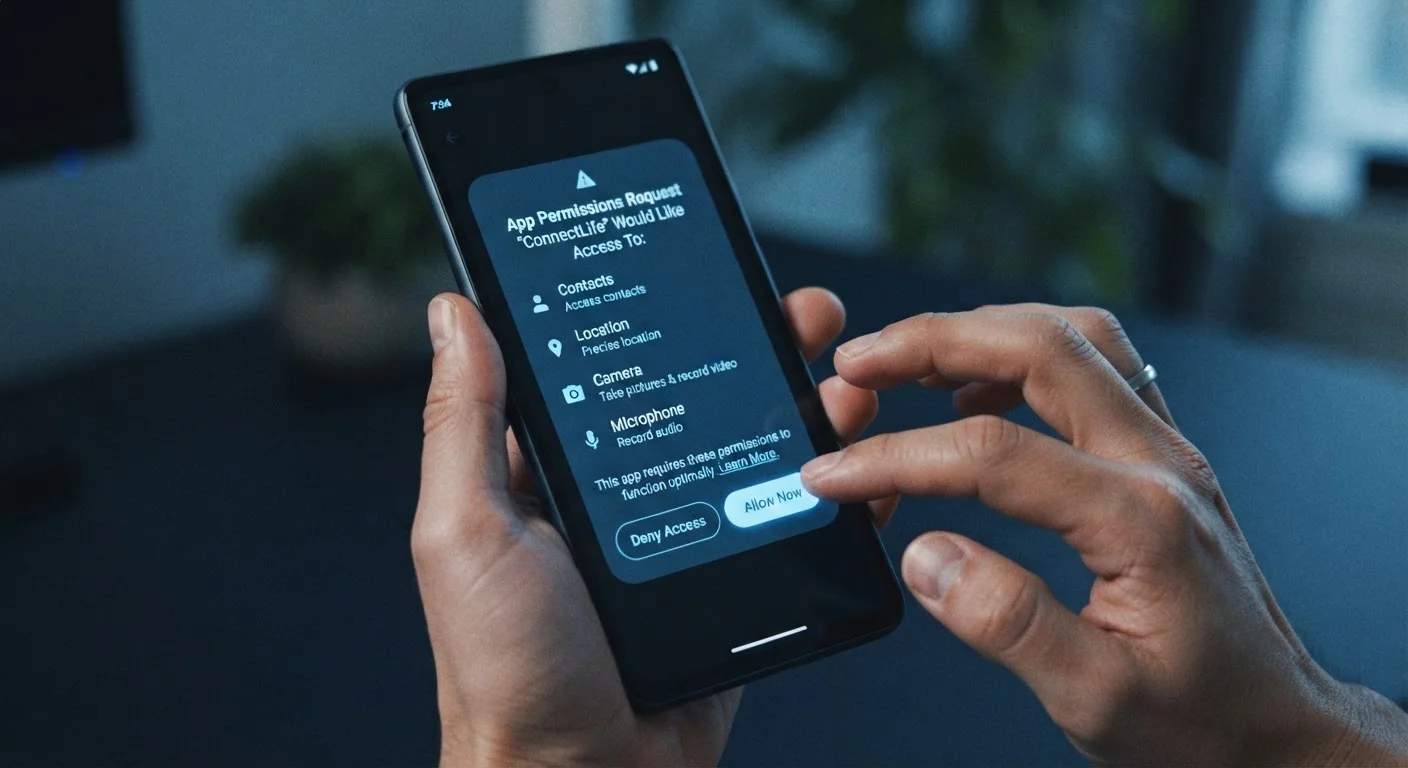
Most people grant app permissions without a second thought - a tap here, an "Allow" there - and move on. But the data an app collects doesn't disappear when you close it. It may be stored, analyzed, shared with third-party advertisers, or exposed in a breach. Understanding what a given app actually needs versus what it's quietly asking for is one of the most practical privacy skills a smartphone user can develop.
This checklist gives you a concrete set of signals to evaluate any app - before you install it or as part of a periodic audit of what's already on your device. For a broader look at how connected technology collects data in your home, see what your smart home devices are actually collecting.
Permission Red Flags
Privacy Policy Warning Signs
Background Behavior Checks
Developer and Provenance Signals
Post-Install Audit Steps
Tools That Make the Audit Easier
You don't need specialized software to run through this checklist - both major mobile platforms expose most of what you need in their built-in settings menus. That said, a few additional tools can surface detail that native settings obscure.
iOS Privacy Report (Settings > Privacy & Security)
Shows which apps have accessed sensitive permissions - location, camera, microphone, contacts - and how recently.
Android Permission Manager (Settings > Privacy > Permission Manager)
Lets you view and revoke permissions granted to each app, grouped by permission type for quick auditing.
App Store / Google Play Privacy Nutrition Labels
Provides a developer-declared summary of what data an app collects and whether it's linked to your identity.
Network traffic monitor (e.g., built-in data usage stats)
Helps identify apps sending unusual volumes of data in the background, which may indicate collection activity beyond the app's stated function.
If an app you're evaluating fails several items on this checklist, consider whether a leaner alternative exists. It's also worth knowing that deleting an app doesn't always delete your data - closing your account with the service before uninstalling is often a necessary extra step.
Free Apps and Data Collection Incentives
Apps offered at no cost frequently generate revenue through advertising and data-sharing arrangements. This creates a structural incentive to collect broadly. That doesn't make every free app problematic, but it does mean the permission audit steps in this checklist carry more weight for apps without a paid tier.
Putting It Into Practice
Set a recurring reminder - once a quarter is a reasonable cadence for most people - to open your phone's privacy or permissions settings and review which apps have access to sensitive resources like location, microphone, contacts, and health data. Revoke anything that feels unnecessary. Free apps in particular deserve extra scrutiny; freemium and free apps often offset their cost through data collection, a model that creates structural incentives to collect broadly.
App store ratings are a useful starting point, but they rarely reflect privacy practices. Star ratings don't capture data handling behavior, so treat this checklist as a complement to - not a replacement for - reading the actual privacy label before installing anything new.
Deleting the App Is Not Enough
Removing an app from your device stops future data collection but generally does not delete the data the company has already gathered. Many services retain your account data indefinitely unless you explicitly request deletion. Before uninstalling any app that has held sensitive data, log into your account and submit a deletion request through the app's settings or the developer's website, then uninstall.
The content on this site is for informational purposes only and is not a substitute for professional advice. Always consult a qualified professional for guidance specific to your situation.