

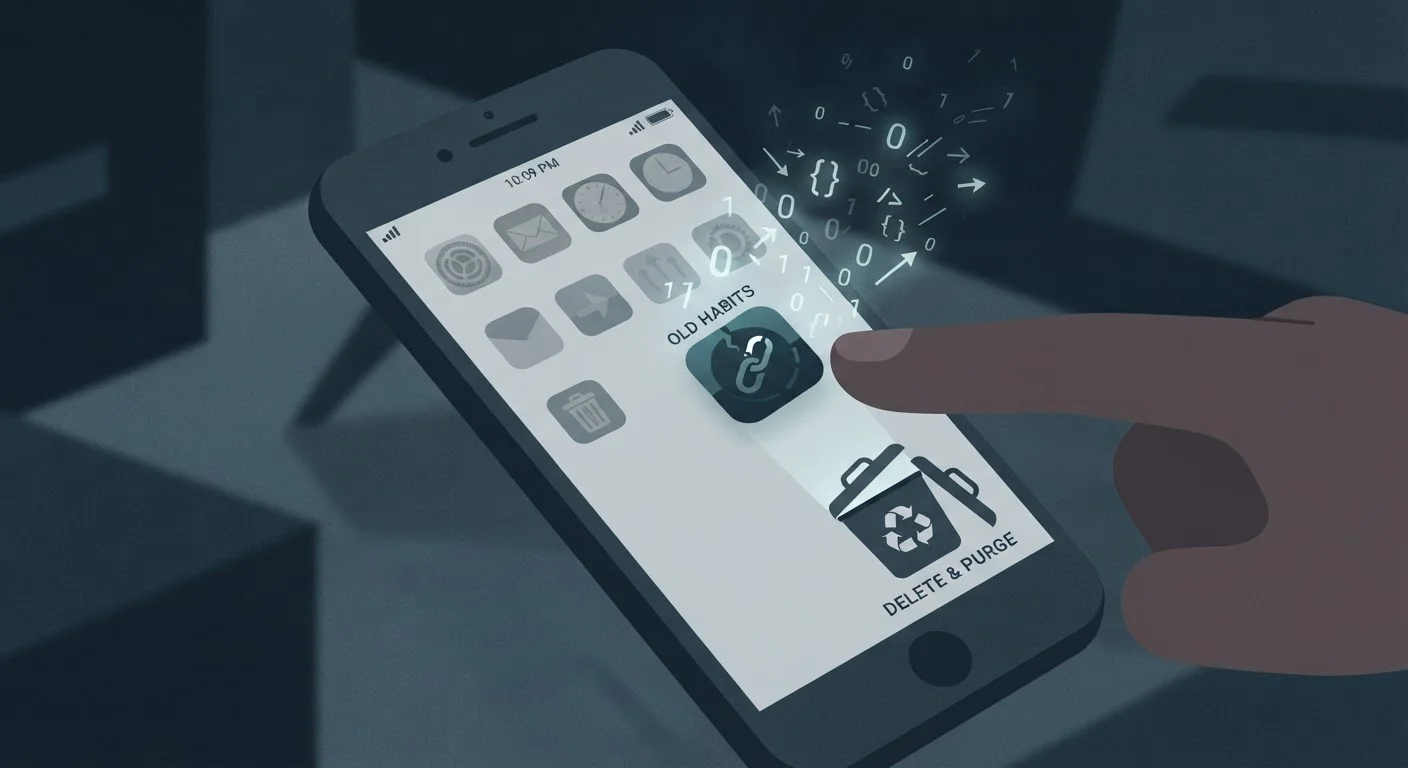
The Delete Button Isn't What You Think
When you press and hold an app icon and tap "Delete" or "Uninstall," it feels decisive - like you've cut ties. In reality, you've only removed the software from your device. The account you created, the data you generated, and any files stored on the company's servers are almost certainly still there, waiting for you to come back.
This isn't a hidden trick or obscure loophole. It's simply how most apps are built. The app is a front-end client; your data lives on a back-end server. Removing the client leaves the server untouched. Understanding this distinction is the foundation of managing your digital footprint responsibly.
For a broader look at what apps are doing with your information while they're still installed, see our guide on signs an app is collecting more data than it needs.
Myth
Deleting an app erases all the data associated with it.
Fact
Uninstalling an app only removes the software from your device. Your account, profile, and stored data remain on the company's servers until you explicitly delete your account.
The confusion stems from how apps are structured. The app you install is just the interface - a window into a cloud-based system. Everything you've done inside that app (posts, searches, purchases, location history) is stored remotely. Removing the window doesn't empty the room behind it.
Myth
If I delete my account, the company immediately removes all my data.
Fact
Most companies retain some data for a defined period after account deletion, ranging from 30 days to several years, depending on their policy and legal obligations.
Retention timelines are set by the company's privacy policy and applicable laws. Backup data, legal hold requirements, and fraud-prevention records can extend how long information is kept. Always check a service's privacy policy for specific timelines rather than assuming immediate deletion.
Myth
Deleting an app cancels any paid subscription attached to it.
Fact
App deletion and subscription cancellation are completely separate actions. You will continue to be billed until you explicitly cancel through your app store or the service provider.
This is one of the most costly misconceptions in app usage. Subscriptions are billing agreements that exist independently of whether the app is installed. Always cancel a subscription through the App Store (iOS) or Google Play Store (Android) - or directly with the service - before or after uninstalling.
Myth
I never gave the app important information, so there's nothing to worry about.
Fact
Even minimal app use generates behavioral data - usage patterns, device identifiers, IP addresses, and location data - that can be stored and associated with your profile.
Apps collect data passively as well as through direct input. Simply opening an app, browsing its content, or interacting with its interface generates signals that may be logged and retained. The data you think you didn't share is often less significant than the metadata collected automatically in the background.
For more on this, see our guide on native apps vs. web apps and the privacy trade-offs each involves.
What Actually Happens to Your Data
When you create an account with an app, you're typically agreeing to store your information on that company's infrastructure. That data - purchase history, location logs, messages, behavioral patterns - is subject to whatever retention schedule the company has set, not what you assume happens when you delete the app.
74%
of top apps retain data after account deletion
A 2022 analysis by Privacy International found the majority of popular apps studied continued to hold user data beyond stated deletion timelines.
30-90 days
Typical grace period before data is purged
Many major platforms state in their privacy policies that deleted account data may persist in backups for 30 to 90 days before being fully removed.
Some companies will retain data for legitimate reasons: fraud prevention, legal compliance, or resolving disputes. Others keep it because it has ongoing business value. The timeline varies enormously - some services delete data within 30 days of account closure, while others state they may hold certain information for years. The only reliable way to know is to read the privacy policy or submit a data deletion request.
It's also worth knowing that app deletion and subscription cancellation are completely independent actions. Deleting an app from your phone does not cancel an active paid subscription. You'll continue to be charged until you cancel through the App Store, Google Play, or directly with the provider. Our article on taking stock of your digital subscriptions walks through exactly how to track down and cancel every active subscription you're paying for.
Don't Uninstall Before Canceling a Subscription
Removing an app from your device does not stop billing. If you have an active paid subscription, cancel it through the App Store or Google Play first - or through the service's website. Uninstalling without canceling can leave you paying for a service you can no longer access, and refunds are not guaranteed.
How to Actually Remove Your Data
The process for genuinely removing your data involves a few deliberate steps, and it varies by app and platform.
- Delete your account first, before uninstalling. Most apps have an account deletion option buried in Settings under "Privacy," "Security," or "Account." If you can't find it, check the company's website directly.
- Submit a data deletion request if available. Under privacy regulations such as GDPR (in Europe) and CCPA (in California), many companies are required to honor deletion requests. Even if you're not in those jurisdictions, some companies extend these rights broadly. Look for a "Data Request" form in the privacy policy.
- Check your email for a confirmation. A legitimate account deletion should trigger a confirmation email. No confirmation often means the process isn't complete.
- Then uninstall the app. Once account deletion is confirmed, removing the app from your device is a clean final step.
Understanding what permissions an app held while it was installed is equally useful context. Our explainer on what app permissions really mean covers which access rights deserve the most scrutiny before you ever tap "Allow."
Clearing out unused apps also has a practical side effect: it frees up storage. For a closer look at why phone storage fills faster than expected, see what's actually eating your phone storage.
The content on this site is for informational purposes only and is not a substitute for professional advice. Always consult a qualified professional for guidance specific to your situation.