

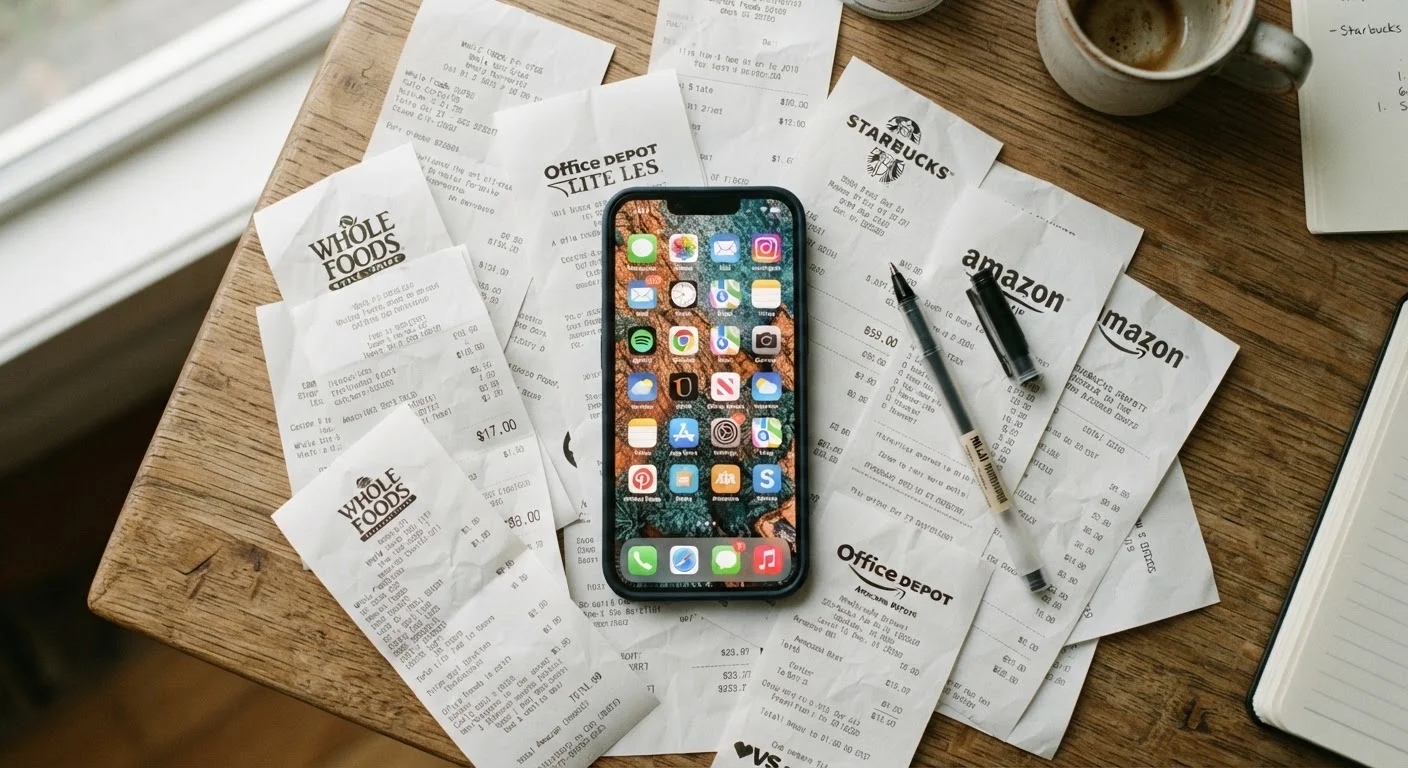
Why Subscriptions Accumulate Without Anyone Noticing
Digital subscriptions are designed to be frictionless to start and easy to forget. Free trials convert to paid plans automatically. Annual fees slip past monthly statement reviews. Family plans get shared, then the original subscriber leaves. Over time, even organized people end up paying for services they no longer open.
The average household carries more recurring digital charges than most people estimate. Part of that is structural - app stores make subscribing a two-tap process, while cancellation paths are often buried. Part of it is psychological: small monthly amounts feel inconsequential in isolation, even when they add up significantly in aggregate.
This isn't about guilt over past decisions. It's about getting visibility so you can make deliberate choices going forward. A subscription that genuinely saves you time or improves your daily routine is worth paying for. One you forgot you had is just overhead. The distinction only becomes clear when everything is laid out in one place.
If you're also evaluating a new service before signing up, the deal hunter's checklist is a useful companion resource for thinking through the decision carefully before committing.
What you will need
Tools You'll Need
This audit doesn't require specialized software - the most important sources are ones you already have access to. Gather the following before you start:
Bank or Credit Card Statement
Identifies recurring charges you may have forgotten, including services billed annually.
Apple App Store (Subscriptions section)
Lists all active subscriptions tied to your Apple ID in one place.
Google Play Store (Subscriptions section)
Lists all active subscriptions tied to your Google account in one place.
Email Search
Surfaces subscription confirmation emails and renewal notices that reveal forgotten services.
Spreadsheet or Notes App
Centralizes your full subscription list for comparison and decision-making.
Subscription Tracking App
Automates future monitoring of recurring charges across accounts.
The Audit Process
Work through these steps in order. The first few are about gathering information without making decisions; judgment comes later once everything is visible.
Pull your bank and credit card statements
Go back at least 90 days - ideally 13 months - in your statements. Look for any recurring charge, no matter how small. Annual subscriptions billed once a year are easy to miss on a monthly scan. Flag every charge you don't immediately recognize or haven't thought about recently. Note the service name, amount, and billing frequency in your tracking document.
Check your app store subscriptions list
On iPhone or iPad: go to Settings → [your name] → Subscriptions. On Android: open the Google Play Store → Profile → Payments & Subscriptions → Subscriptions. Both views show active and recently expired subscriptions tied to that account. Add any new entries to your tracking document, noting which ones are marked active.
Search your email for subscription confirmations
In your inbox, search for terms like "receipt," "invoice," "renewal," "subscription confirmed," and "trial ending." This surfaces services billed through a web browser rather than an app store - common with software tools, news sites, and cloud storage platforms. Cross-reference these against your statement list to make sure nothing is missing.
Build a complete, consolidated list
Combine everything into a single document with four columns: Service name, Monthly cost (convert annual charges by dividing by 12), Last used, and Keep / Cut / Review. Don't make any decisions yet - just get everything visible in one place. Seeing the full picture before acting helps you spot patterns and avoid cutting things you'd genuinely miss.
Evaluate each subscription by actual use
For each line item, ask two questions: When did I last use this? and Would I notice if it disappeared tomorrow? Subscriptions you haven't opened in 30 days are strong candidates for cancellation. Services you use occasionally but could access through a free tier or a one-time purchase deserve a second look. Mark each as Keep, Cut, or Review based on honest answers - not on what you intended to use it for.
Also consider whether a service is collecting data beyond what its core function requires. Our guide on signs an app collects more data than it needs can help you weigh that factor alongside cost.
Cancel what you're cutting - right now
Don't defer cancellations. Locate the cancellation path for each service you've marked to cut and complete it during this session. Most services can be canceled in under five minutes through the same app store settings you used in Step 2 or through the company's account settings page. For services with tricky cancellation flows, searching "[service name] cancel subscription" usually surfaces direct instructions.
Schedule a recurring audit
Set a calendar reminder to repeat this process every three months. Subscription creep - the gradual accumulation of services over time - tends to return without a structured check-in. A quarterly audit takes far less time than the initial one because your master list is already built. You're simply adding new entries and re-evaluating anything in the "Review" column.
Free Tiers Are Often Enough
Before canceling a service outright, check whether a free or lower-cost tier is available. Many apps offer meaningful functionality without a paid plan. Downgrading instead of canceling keeps the option open while stopping the charge. Our article on freemium apps and the hidden cost of 'free' explains when upgrading is actually worth it - and when it isn't.
Annual Subscriptions Need Extra Attention
Services billed once a year are easy to forget and easy to miss in a monthly statement scan. If you cancel an annual subscription partway through, refund policies vary widely - some services offer prorated refunds, others don't. Check the terms before canceling an annual plan to know what you're giving up.
Cancellation Doesn't Always Mean Immediate Stop
Most subscription services let you access the service until the end of the current billing period after you cancel. Don't assume the charge stops the moment you cancel - verify the effective end date. Also confirm you receive a cancellation confirmation via email so you have a record if a future charge appears.
What to Do With Services You're Unsure About
Not every subscription is a clear keep or cut. Some tools get used heavily in certain seasons and rarely otherwise. Some you share with a household member who values them even if you don't. For those, the "Review" category and the 30-day check-in is a reasonable approach - but be honest about whether you're deferring a decision or genuinely needing more data.
It's also worth considering what value a subscription actually delivers relative to its cost. A service you use twice a month for $15 may still be worthwhile; a $5 service you've opened twice in a year probably isn't. Usage frequency is a better signal than how much you like the idea of a service.
For households thinking about the broader picture of what they're paying for, it's worth noting that digital subscriptions are just one category of recurring cost. Automotive subscription features are an emerging version of the same dynamic - useful context if you're evaluating vehicle purchases as well.
The content on this site is for informational purposes only and is not a substitute for professional advice. Always consult a qualified professional for guidance specific to your situation.