

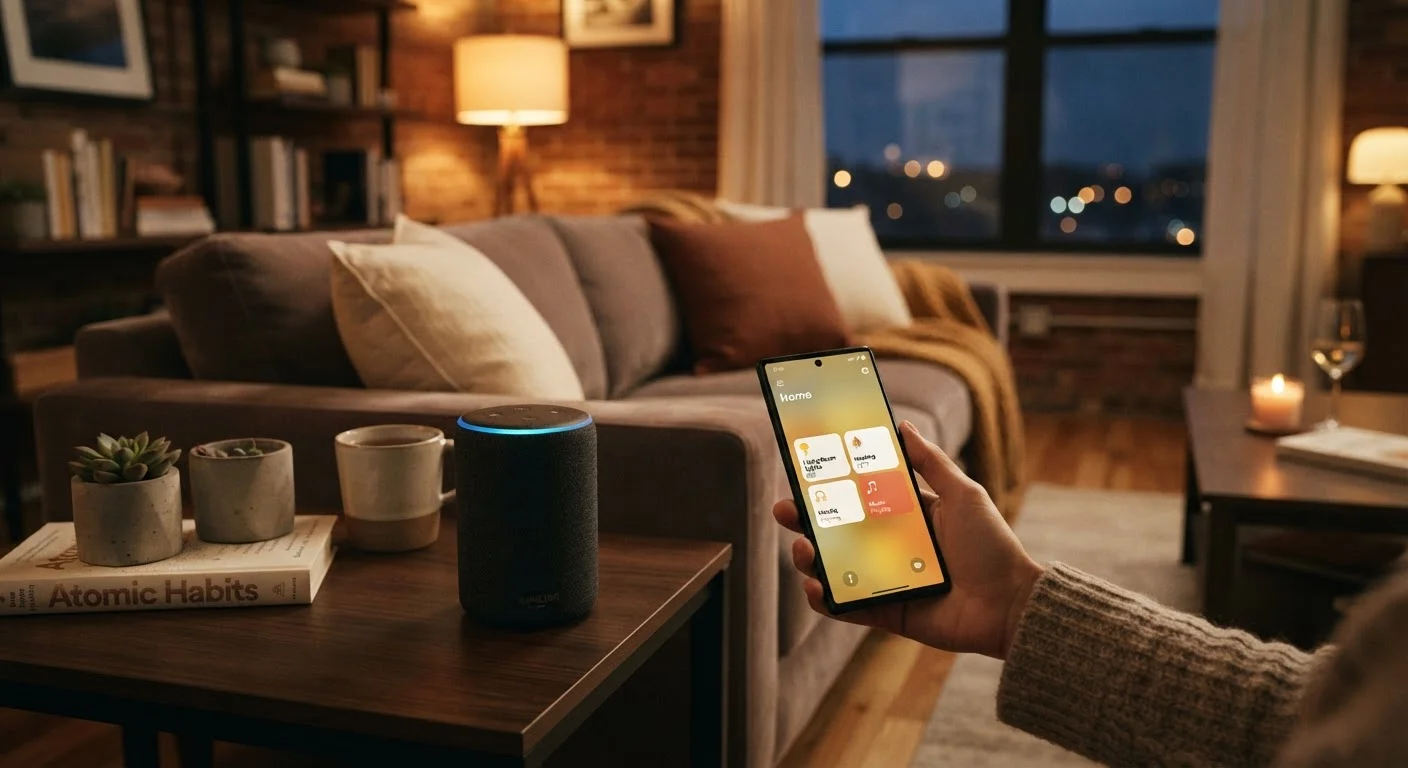
What Makes a Home 'Smart'
A home becomes 'smart' when its devices can receive and act on digital instructions - from you, from a schedule, or from other devices. The hardware itself isn't radically different from conventional appliances. What changes is the addition of a small wireless radio and software that lets each device communicate over a network.
Think of it as adding a nervous system to things that previously had none. A traditional light switch only responds to physical touch. A smart switch can respond to a tap in an app, a voice command, a motion sensor trigger, or a scheduled time. The underlying light bulb may be identical - the intelligence is in the communication layer.
Most smart home devices connect through one of a few methods: your home's existing Wi-Fi, a low-power short-range protocol like Zigbee or Z-Wave (which typically requires a hub), or Bluetooth for very local control. Each approach has trade-offs in range, battery consumption, and reliability. For a deeper look at how these protocols compare, the Matter protocol explainer covers how the industry is working toward a common standard.
57%
U.S. adults who own at least one smart home device
According to Statista consumer survey data, smart home device ownership in the United States has grown substantially across income levels and age groups.
Wi-Fi
Most common connectivity method for smart home devices
Industry analysis consistently identifies Wi-Fi as the dominant protocol for consumer smart home devices due to its infrastructure already being present in most homes.
280+
Companies supporting the Matter smart home standard
The Connectivity Standards Alliance, which oversees the Matter protocol, reports broad industry participation from device makers, platform operators, and chipset manufacturers.
How Smart Devices Actually Communicate
When you tap a button in a smart home app, the instruction travels from your phone to the cloud server of the device's manufacturer, then back down to the device in your home - typically in under a second. This cloud-relay approach is how most Wi-Fi devices work, which is why losing internet access can disable remote control even though you and the device are physically in the same house.
Short-range protocols like Zigbee and Z-Wave work differently. These devices form what's called a mesh network, where each device can relay signals to others, extending coverage without relying on a central router. They require a hub to translate communications to and from your smartphone, but they often work reliably even when cloud servers have outages.
The newer Matter protocol was developed by a coalition of major technology companies to reduce this fragmentation. It prioritizes local control - meaning the device responds to your app without needing to contact an external server - and is designed so that certified devices work across different ecosystems without needing brand-specific apps. Adoption is still growing, but it represents a meaningful shift in how the industry is designing for compatibility.
Check Your Router Before Adding Devices
Wi-Fi-based smart home devices typically connect to the 2.4 GHz band, not the faster 5 GHz band. If your router broadcasts both bands under the same network name, some devices may struggle to connect properly. Separating the bands in your router settings - or assigning smart devices to the 2.4 GHz band specifically - can prevent common setup frustrations.
Voice Assistants, Apps, and Ecosystems Explained
Smart home devices are typically controlled through three layers: a manufacturer app (specific to that device), a smart home platform (like Google Home, Amazon Alexa, or Apple HomeKit), and optionally a voice assistant tied to that platform. You don't need all three. Many people use a single manufacturer's app for years without ever using a voice assistant.
Ecosystems matter because they determine which devices can communicate with each other. If most of your devices are certified for one platform, adding a device from a competing ecosystem can mean juggling separate apps or losing the ability to create cross-device automations. This is the practical reason why checking compatibility before adding a new device is worth the two-minute effort.
Automations are where smart home technology moves beyond simple remote control. An automation is a rule: if this happens, do that. Common examples include turning on lights when motion is detected at a door, lowering a thermostat when everyone leaves the house, or starting a coffee maker on a weekday morning schedule. These rules live in the platform or app and run without any manual input once configured.
For a grounded look at what these systems genuinely do well and where they fall short, see the honest case for and against smart home automation.
Is It Worth Setting Up?
The honest answer depends on what frictions you actually want to solve. Smart home technology delivers measurable convenience for people who travel frequently, have accessibility needs, or want detailed control over energy use. For others, the setup overhead may outweigh the payoff - at least until the technology becomes more seamlessly integrated.
Common misconceptions hold many people back unnecessarily. Smart devices don't require a complete home overhaul; a single smart plug controlling a lamp is a fully valid use case. Many people also assume the technology is fragile or requires ongoing technical maintenance - in practice, most modern devices are stable once configured. The common smart home misconceptions article addresses several of these concerns directly.
If you're considering starting out, the practical introduction for first-time users walks through device categories in plain language. And if you want to think about building a more complete system over time, the complete setup picture covers how the pieces fit together without requiring you to do it all at once.
Frequently Asked Questions
Not always. Many modern smart devices connect directly to your home's Wi-Fi and are controlled through a smartphone app, requiring no separate hub. Some older or specialized devices using Zigbee or Z-Wave protocols do need a hub to bridge communication. Check the product's specifications before assuming either way.
Security varies by device and how your network is configured. Using strong, unique passwords for your Wi-Fi and device accounts, enabling two-factor authentication where available, and keeping device firmware updated are the most effective baseline precautions. No connected device is completely immune to risk, but sensible habits significantly reduce exposure.
It depends on the device and protocol. Wi-Fi-based devices typically require an active internet connection for remote access and voice control. Devices using local protocols like Zigbee or Z-Wave can often continue basic functions on a local network even when the internet is down. The Matter standard also supports local control as a core design principle.
Smart plugs and smart light bulbs are widely considered the most approachable entry points. They require no wiring, are typically plug-and-play, and immediately demonstrate what remote or scheduled control feels like. From there, most people expand based on which daily friction points they most want to address.
Historically, cross-brand compatibility has been inconsistent. However, the Matter protocol - a shared industry standard backed by major technology companies - is designed to allow certified devices from different manufacturers to communicate reliably. Adoption is growing, but not every device on the market is Matter-certified yet.
Basic device control - turning lights on, adjusting a thermostat - generally does not require a subscription. Subscriptions most commonly appear for cloud storage of security camera footage, advanced AI features, or expanded smart platform services. Always review the ongoing cost structure before committing to a device category.
The content on this site is for informational purposes only and is not a substitute for professional advice. Always consult a qualified professional for guidance specific to your situation.