

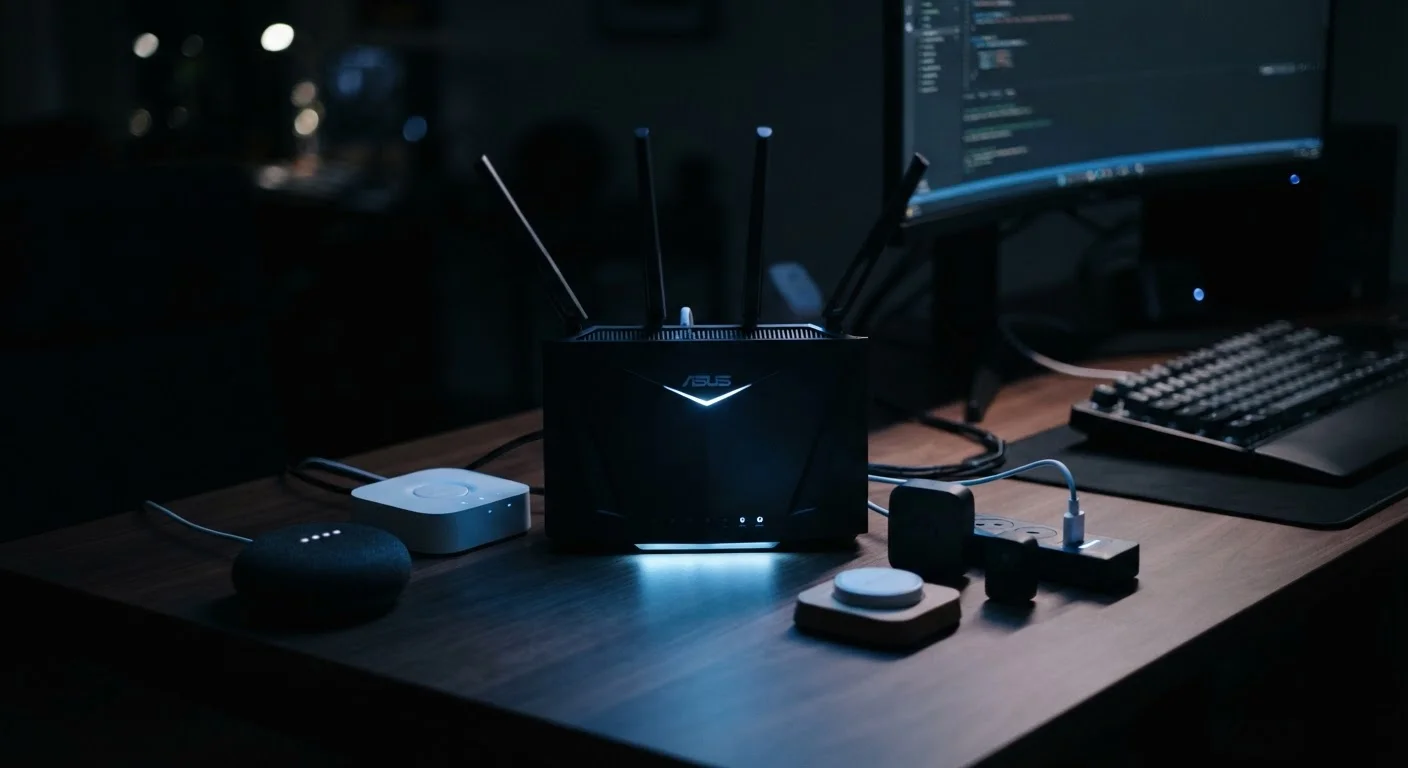
Why Smart Home Security Deserves Real Attention
Smart home devices - thermostats, cameras, doorbells, speakers, plugs - make everyday life more convenient. They also introduce a meaningful number of network-connected endpoints, each of which can potentially be reached from outside your home. If you're new to how these devices connect and communicate, our plain-language overview of smart home technology covers the fundamentals.
The security risk isn't hypothetical. Poorly secured smart devices have been used in large-scale attacks, and individual household breaches - where someone gains access to a camera feed or unlocks a smart lock - are documented regularly. The good news: most vulnerabilities stem from a small set of fixable configuration issues, not exotic hacking techniques.
What 'Attack Surface' Means
In security, your attack surface is the total number of ways an unauthorized user could potentially access your network or devices. Every connected gadget, every open port, and every unused feature adds to it. Reducing your attack surface doesn't mean removing all smart devices - it means making sure each one is configured to expose as little as possible.
For a deeper look at what data your devices are sending out alongside security concerns, see our article on what your smart home devices are actually collecting.
Core Practices for a More Secure Network
The following practices address the most common and highest-impact vulnerabilities in home smart networks. None require advanced technical skill - each can be completed through your router's admin panel or a device's companion app.
Create a dedicated IoT network segment for all smart home devices.
When smart devices share the same network as your laptop or phone, a compromised device can potentially be used to reach those more sensitive endpoints. A separate network - sometimes called a guest or VLAN network - creates a firewall-like barrier between device categories. Most modern routers support this natively through their admin settings.
Change default usernames and passwords on every device immediately after setup.
Manufacturers ship devices with generic credentials that are publicly documented and routinely exploited by automated scanning tools. Leaving defaults in place is one of the most common and preventable security mistakes in home networking. Unique, strong passwords for each device make bulk scanning attacks far less effective.
Enable automatic firmware updates - or check for them regularly.
Firmware is the software baked into your hardware. Manufacturers release firmware updates specifically to fix discovered security vulnerabilities, and unpatched devices remain exposed long after a fix is available. Many smart devices don't update automatically unless you enable that setting.
Set your router to use WPA3 encryption, or WPA2 at minimum.
WPA3 is the current Wi-Fi security protocol standard and is substantially harder to brute-force than older protocols like WPA or the now-deprecated WEP. Routers defaulting to older protocols - or set to 'mixed mode' - can be exploited through the weakest supported protocol. Checking this setting takes under five minutes.
Disable features you don't actively use, such as UPnP and remote management.
Universal Plug and Play (UPnP) allows devices to open ports on your router automatically - convenient, but a well-documented vector for abuse. Remote management lets you access router settings from outside your network, which also creates an external exposure point. Turning off unused features reduces the number of ways your network can be reached without your knowledge.
57%
IoT devices vulnerable to medium- or high-severity attacks
According to a Palo Alto Networks Unit 42 threat report, more than half of surveyed IoT devices carried medium- or high-severity vulnerabilities.
15+
Average connected devices per U.S. household
Deloitte's 2023 Connectivity and Mobile Trends survey found U.S. households average more than 15 connected devices, up sharply from prior years.
Quick Actions You Can Take Today
Not ready to overhaul your entire setup? Start with these targeted steps that take under 15 minutes each and address the most critical exposures first.
Use a Password Manager for Device Credentials
Keeping track of unique passwords for a router, a camera, a thermostat, and a handful of smart plugs is genuinely difficult. A password manager generates and stores strong, unique credentials for each device so you're not tempted to reuse the same password across everything. See our explainer on how password managers work if you're new to the concept.
Keeping Your Setup Secure Over Time
Security isn't a one-time configuration - it's an ongoing habit. Set a reminder every few months to review which devices are connected to your network. If you've added gadgets without thinking through their network placement, move them to your IoT segment. If a device manufacturer has stopped releasing firmware updates, treat it as a higher-risk item and consider whether it still makes sense to keep it connected.
“The weakest link in most home networks isn't the router - it's the dozen devices connected to it that nobody ever thinks to update or reconfigure after setup.”
— Cybersecurity and Infrastructure Security Agency (CISA), U.S. federal agency focused on national cybersecurity guidance for consumers and organizations
You can also consult our practical smart home security checklist for a structured audit of your current setup. Staying ahead of vulnerabilities is considerably easier than recovering from a breach after the fact.
The content on this site is for informational purposes only and is not a substitute for professional advice. Always consult a qualified professional for guidance specific to your situation.