

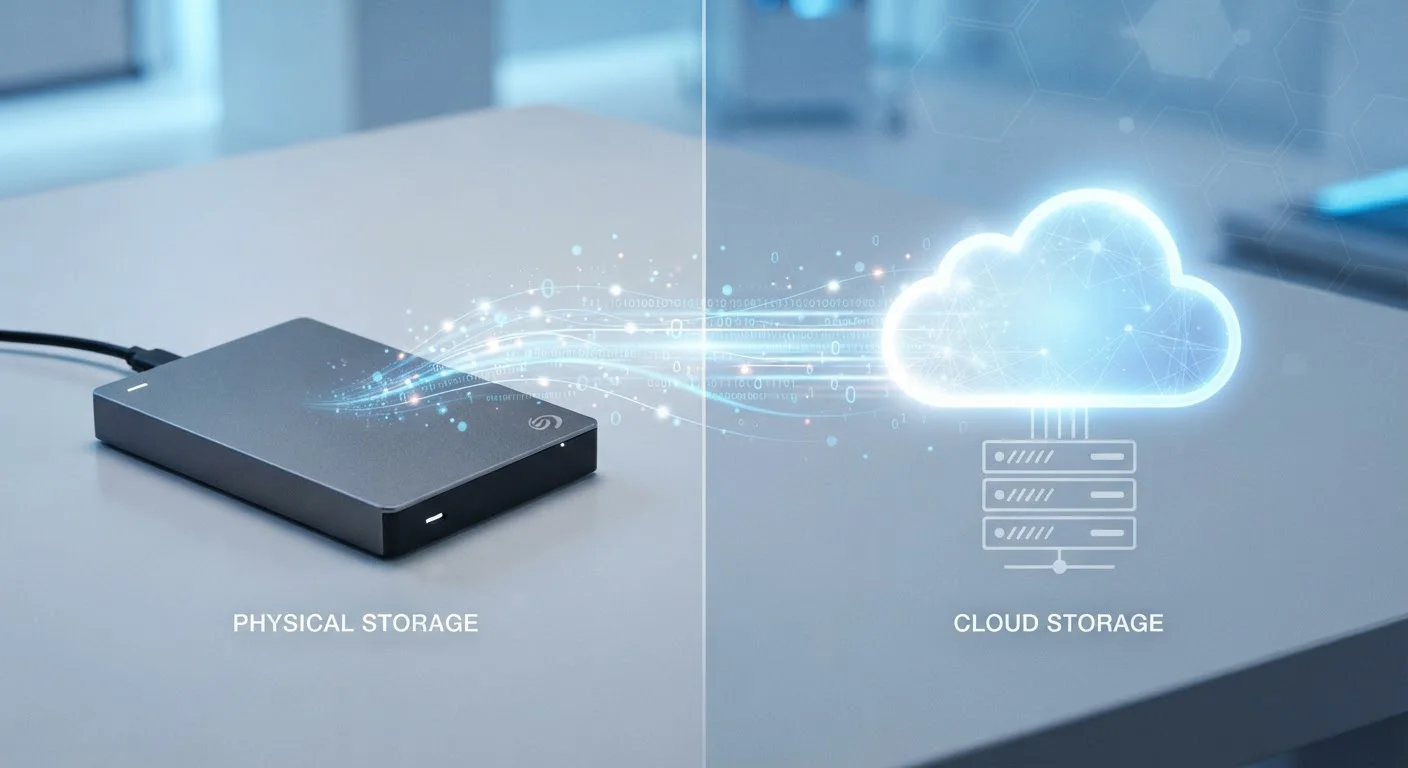
Option A
Cloud Storage
The always-accessible, subscription-based approach.
Best for: Users who work across multiple devices, share files frequently, or want automatic backups without managing hardware.
Option B
Local Storage
The private, one-time-cost option you fully control.
Best for: Users who handle sensitive data, need large-capacity storage, or want files available regardless of internet connectivity.
The Core Difference: Who Holds Your Files
Cloud storage means your files live on servers owned and operated by a third party - a tech company whose infrastructure you're renting access to. Local storage means your files sit on a physical device you own: a hard drive, SSD, USB drive, or NAS (network-attached storage) unit in your home.
That distinction carries real consequences for privacy, cost, reliability, and access. Neither model is universally better. What matters is matching the approach to your actual habits and risk tolerance.
If you're already thinking about how connected devices handle your data, our piece on smart home privacy and data collection covers related ground worth reviewing.
| Criterion | Cloud Storage | Local Storage |
|---|---|---|
| Cost model | Ongoing subscription fee | One-time hardware purchase |
| Access requirement | Internet connection needed | Works fully offline |
| Privacy exposure | Provider holds your files | You hold your files |
| Redundancy | Built-in via server replication | Requires manual or scheduled backups |
| Multi-device access | Seamless sync across devices | Manual transfer unless on a NAS |
| Storage capacity cost | Higher cost per GB at scale | Lower cost per GB at scale |
| Setup complexity | Minimal - account and app | Moderate - hardware setup required |
Cost, Privacy, and the Reliability Question
Cost: Local storage requires an upfront hardware purchase - typically ranging from modest to substantial depending on capacity and drive type - with no recurring fees. Cloud storage operates on a subscription model: small amounts of storage are often free, but meaningful capacity costs a monthly or annual fee that adds up over time. If you're mindful of ongoing expenses, the budgeting basics hub has useful frameworks for evaluating recurring digital subscriptions.
Privacy: When you upload files to a cloud service, those files are technically accessible to the provider under the terms of their service agreement and potentially to law enforcement with appropriate legal process. Encryption can reduce - but not fully eliminate - this exposure depending on implementation. Local storage keeps files entirely under your physical control.
Reliability: Cloud storage benefits from redundant server infrastructure - if one server fails, your files are preserved elsewhere. But cloud access requires internet connectivity; a prolonged outage or account issue can leave you temporarily locked out. Local drives can fail without warning, making regular backups non-negotiable. A drive that has never been backed up is a single point of failure.
~20%
Hard drives that fail within 4 years
Backblaze's long-running drive reliability studies consistently show meaningful annual failure rates, underscoring why local-only storage is risky without backups.
2 TB
Common cloud plan threshold where costs accelerate
Most major cloud providers offer free tiers well below 100 GB; users with larger storage needs quickly encounter tiered pricing that adds up annually.
When Hybrid Is the Smartest Move
For most everyday users, the practical answer isn't either/or. A hybrid setup - keeping primary files on a local drive and maintaining an automatic cloud backup - gives you the privacy and cost advantages of local storage alongside the redundancy of cloud. If your drive fails, your files survive. If your internet goes down, your local copy remains fully accessible.
Phone users juggling limited device storage will recognise this tension directly. Our breakdown of what's actually consuming storage on your phone addresses how cloud offloading fits into that equation.
For those also weighing how cloud dependency affects other connected devices in their home, the contrast between local-processing and cloud-dependent smart devices offers a useful parallel. And if you're evaluating software tools alongside storage, the discussion of native apps vs. web apps touches on how local versus cloud architecture shapes everyday software trade-offs.
The 3-2-1 Backup Rule
A widely cited data protection principle recommends keeping three copies of your files: two on different local media and one offsite (such as cloud storage). This approach protects against hardware failure, theft, and local disasters simultaneously. It's a practical framework regardless of whether you lean toward cloud or local as your primary storage method.
The content on this site is for informational purposes only and is not a substitute for professional advice. Always consult a qualified professional for guidance specific to your situation.