

What Smart Home Devices Are Actually Tracking
Every connected device in your home is, by design, a data-gathering endpoint. That's not a conspiracy - it's how these products deliver their features. But the specific data each device type collects is worth knowing clearly. See our plain-language smart home overview if you want grounding in how these ecosystems connect before diving into the privacy layer.
| Device types that collect data | Smart speakers, cameras, thermostats, doorbells, TVs, plugs, and locks |
| Primary data categories collected | Voice clips, motion/video, usage patterns, location, and network info |
| Where data typically goes | Manufacturer cloud servers; sometimes shared with third-party partners |
| Key consumer control tools | Privacy dashboards, voice history deletion, microphone mute, opt-out settings |
| U.S. regulatory framework | Federal Trade Commission (FTC) oversees unfair or deceptive data practices |
| Local vs. cloud processing | Some devices can process data locally, reducing what leaves your home network |
Smart Speakers and Voice Assistants
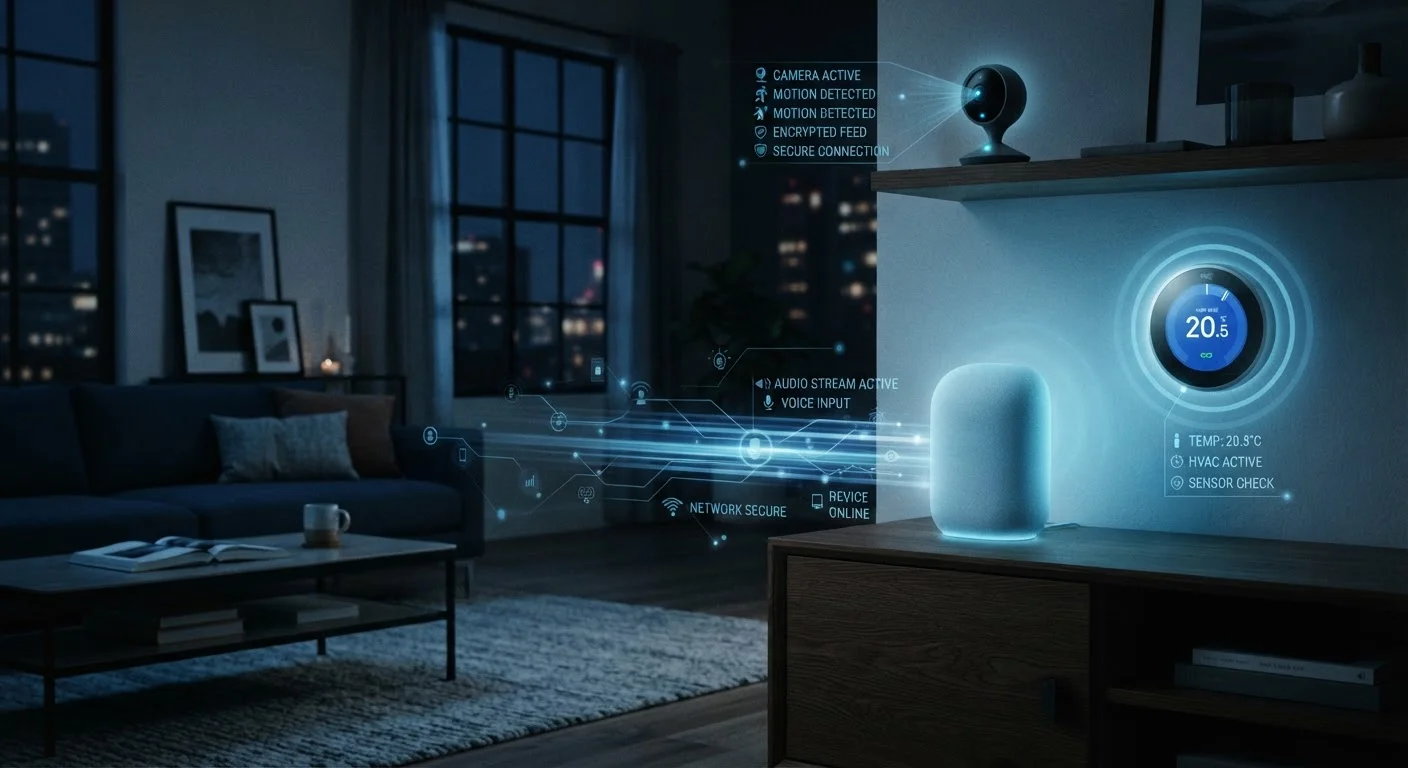
These devices use wake word detection to stay in a low-power listening state. Once triggered, audio is sent to cloud servers for processing. Most platforms retain a history of these interactions. Manufacturers have also acknowledged that a small share of recordings are reviewed by human quality-assurance teams - a practice that has been disclosed in privacy policies but surprised many consumers when it became public. You can typically delete your voice history through the companion app or the platform's privacy dashboard.
Security Cameras and Video Doorbells
Video devices collect continuous or motion-triggered footage. Cloud-connected models transmit that footage to manufacturer servers, often stored for a rolling window of days unless you pay for extended plans. Metadata - including timestamps and motion event logs - is collected even when full video is not retained. Some manufacturers have voluntarily shared footage with law enforcement in response to legal requests; their policies on this vary.
Smart Thermostats and Energy Devices
These collect detailed occupancy and behavioral data: when you're home, when you sleep, how often you adjust temperature. Over time, that builds a granular profile of your daily routine. This data is used to improve automation but may also be shared with utility partners under agreements you accepted at setup.
Smart TVs
Connected TVs commonly use a technology called Automatic Content Recognition (ACR) to identify what you watch - including content from external sources like cable boxes or gaming consoles - and report that back to the manufacturer or advertising partners. This is typically opt-out, not opt-in.
How to Meaningfully Limit Your Exposure
You don't need to unplug everything to reduce your data footprint. Targeted, specific actions have more practical impact than broad avoidance.
This Is General Information, Not Legal Advice
Privacy policies, data practices, and applicable regulations vary by manufacturer, device, and state. The information here is meant to help you ask better questions - not substitute for reading a specific product's privacy documentation or consulting a legal professional if you have specific concerns.
- Read the relevant privacy policy sections. Focus on "What we collect," "How we use it," and "Third-party sharing." Most are searchable PDFs - you don't need to read every word.
- Delete voice and interaction histories regularly. Most major platforms provide a settings page to auto-delete recordings on a rolling schedule (e.g., every 3 months).
- Disable features you don't use. If you're not using a smart TV's recommendation engine, turn off ACR in display settings. If your camera has a cloud subscription you've never activated, check whether footage is still being synced.
- Use physical mute switches on speakers. A hardware microphone disconnect is more reliable than a software mute for situations where you want certainty - a private conversation, a work call.
- Evaluate local-processing alternatives. Some security camera and home automation systems process data entirely on a local server in your home, so footage and event data never leave your network. Cloud vs. local storage trade-offs are worth understanding when making that choice.
- Audit your network. Knowing which devices are connected and actively communicating is a foundational step. Our smart home network security checklist walks through how to do this without specialized tools.
- Check app permissions. The companion apps for smart home devices often request access to contacts, location, or camera beyond what the device needs. Understanding what app permissions actually grant helps you decide what to allow.
Data minimization
The practice of collecting only the data strictly necessary for a device or service to function. Privacy-conscious manufacturers and regulations like GDPR encourage this principle.
Wake word detection
A local on-device process that listens for a specific trigger phrase (e.g., 'Hey [assistant]') before activating cloud processing. Audio is not supposed to be transmitted until the wake word is detected.
Telemetry
Automated data transmitted from a device back to its manufacturer, typically covering usage patterns, error logs, and performance metrics. Often collected by default.
Local processing
When a device analyzes or acts on data entirely on its own hardware, without sending that data to an external server. Generally considered more privacy-protective than cloud processing.
Third-party data sharing
When a device manufacturer or app provider shares collected data with outside companies, which may include advertisers, analytics firms, or business partners.
Privacy policy
A legal document disclosing what data a company collects, how it uses that data, and with whom it shares it. Reading the relevant sections is one of the most practical privacy steps a consumer can take.
Smart home convenience and data privacy aren't mutually exclusive - but they do require some deliberate trade-off awareness. The goal isn't paranoia; it's informed use. Knowing what your thermostat reports, what your speaker retains, and what your TV shares puts you in a position to make those trade-offs consciously rather than by default.
The content on this site is for informational purposes only and is not a substitute for professional advice. Always consult a qualified professional for guidance specific to your situation.