

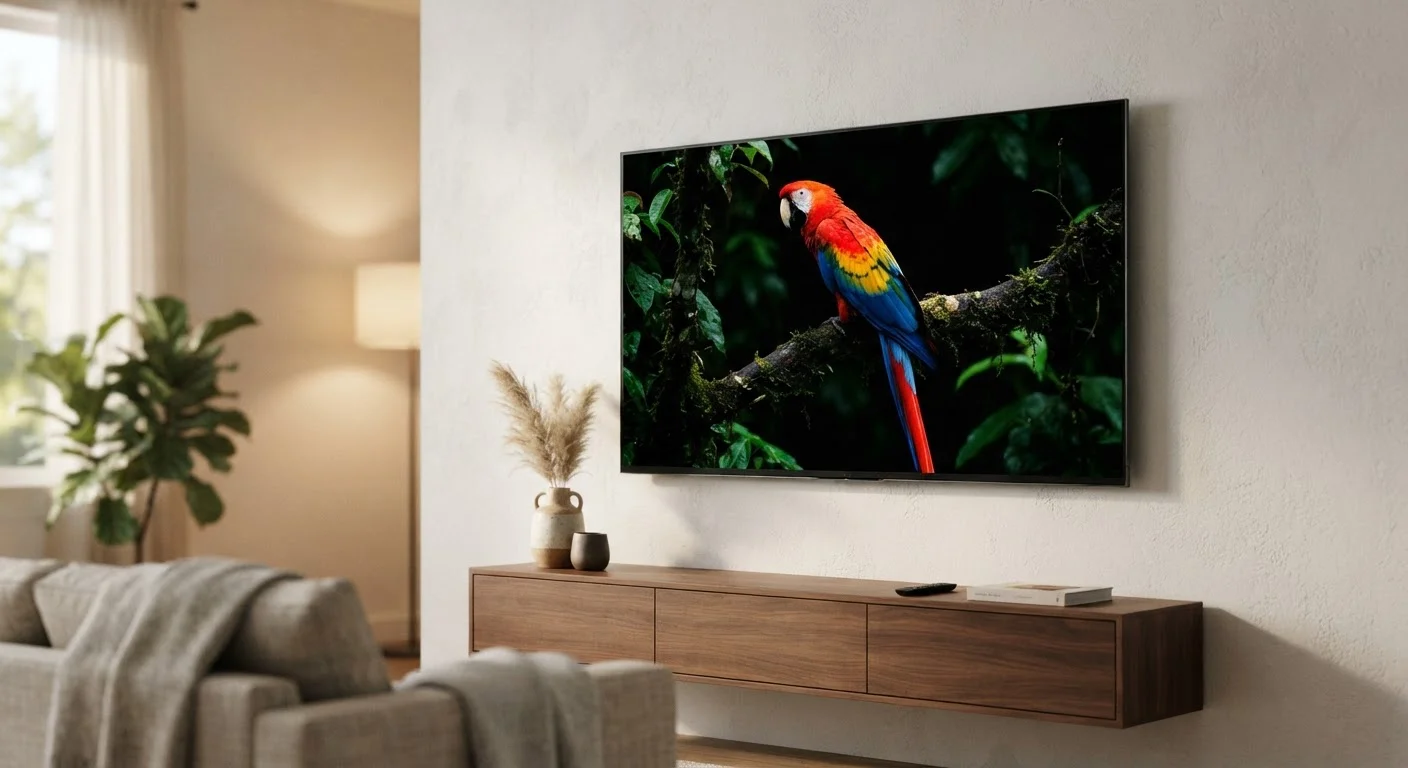
Why Burn-In Became OLED's Defining Fear
OLED technology produces light at the pixel level using organic compounds that emit photons when electricity passes through them. Because those compounds degrade over time - especially under sustained, high-brightness conditions - the technology carries an inherent aging characteristic that conventional LED-backlit LCD panels do not share in the same way. Early OLED smartphone screens, where static navigation bars and keyboard overlays sat in fixed positions for years, made burn-in visible and well-documented. That reputation followed the technology as it moved into large-format televisions, often without acknowledging how differently a television is used compared to a phone.
For a fuller look at how OLED compares structurally to alternative premium display approaches, see our comparison of Mini-LED and OLED technologies, which covers brightness, contrast, and longevity side by side.
Myth
OLED burn-in is so common that it will inevitably ruin your TV within a few years.
Fact
Burn-in under typical home viewing conditions is uncommon. It primarily affects panels subjected to prolonged, static high-brightness content - a pattern most households don't follow.
Long-term real-world testing by display review organizations has consistently shown that varied, everyday viewing - streaming movies, TV shows, and sports - rarely produces visible permanent burn-in, even after thousands of hours. The risk is real but highly usage-dependent. Viewers who leave a single news channel running all day or who use their OLED as a dedicated PC monitor face measurably higher exposure. For the vast majority of home users, burn-in remains a low-probability outcome rather than an inevitable fate.
Myth
All screen elements are equally likely to cause burn-in.
Fact
Static, high-contrast elements displayed at peak brightness for extended periods are the primary culprits. Dynamic, varied content carries a much lower risk profile.
Organic light-emitting diodes degrade when driven continuously at high luminance. Static UI elements - broadcast channel logos, sports scoreboards, news tickers, and navigation overlays - sit in fixed screen positions and can accumulate uneven pixel wear over time. Cinematic content, by contrast, constantly shifts pixel load across the panel. If you primarily watch streaming content and films, the pixels responsible for any one region are rarely stressed the same way repeatedly, which dramatically limits cumulative wear.
Myth
Manufacturers include burn-in warnings because the problem is widespread and hard to avoid.
Fact
Warranty disclaimers are legal protective language. They reflect potential misuse scenarios, not the typical viewer's experience.
Consumer electronics warranties routinely exclude damage caused by abnormal use, and OLED burn-in clauses are no different. A manufacturer cannot control whether a buyer leaves their television tuned to a static image for sixteen hours a day, so the disclaimer exists to define that boundary - not to signal that burn-in is a common outcome. Reading warranty language as a reliability prediction misinterprets its purpose. Independent longevity studies, not warranty text, are the more meaningful measure of real-world durability.
Myth
OLED TVs have no built-in protection against burn-in, so you must manage the risk entirely yourself.
Fact
Modern OLED televisions ship with multiple automatic mitigation features designed to reduce uneven pixel wear without any user intervention.
Panel manufacturers and TV brands have engineered several protective mechanisms directly into OLED displays. Pixel shifting - also called logo luminance adjustment or screen shift - subtly moves the image by a few pixels at regular intervals so no single pixel cluster bears a static load indefinitely. Periodic pixel-refresh cycles, often run automatically when the TV is powered off, recalibrate organic compounds across the panel. Automatic brightness limiting (ABL) reduces peak luminance when large portions of the screen are uniformly bright, easing stress on the organic layer. These systems are not infallible, but they meaningfully extend healthy panel life under typical conditions.
Myth
If you see image retention on your OLED, permanent burn-in has already occurred.
Fact
Temporary image retention - a ghost of a previous image visible for minutes or hours - is normal and reversible. Permanent burn-in is a distinct, long-term outcome.
Organic pixel materials can hold a temporary charge pattern after displaying a bright static element for an extended session. This short-lived ghost image typically fades on its own within minutes of switching to varied content, or it can be accelerated by running the panel's built-in pixel-refresh cycle. Permanent burn-in, by contrast, represents lasting, uneven degradation of the organic compounds - it does not fade and is visible regardless of what content is displayed. Mistaking normal, reversible retention for irreversible damage is one of the most common sources of unnecessary concern among new OLED owners.
What the Evidence Actually Shows
Independent display testing outlets have subjected OLED panels to accelerated stress tests - running static content for thousands of hours at elevated brightness - and found that real-world, varied viewing produces far less wear than worst-case scenarios suggest. The variables that matter most are content type, average picture level (APL), and peak brightness settings.
~20,000 hrs
Estimated OLED panel half-life at moderate brightness
Panel manufacturers generally rate OLED displays to reach half their original brightness after approximately 20,000 hours of use under normal viewing conditions - far beyond typical household consumption patterns.
4-5 hrs
Average daily TV viewing time per U.S. household
According to Nielsen audience measurement data, the average American household watches approximately four to five hours of television per day, a pattern that spreads pixel load across varied content.
Viewers who watch a diverse mix of streaming content, films, and cable programming at moderate brightness settings occupy a risk category that long-term testing consistently rates as low. The concern escalates sharply for commercial or semi-commercial use cases: a television displaying a point-of-sale menu, a sports bar screen locked to one channel, or a workstation monitor showing a static desktop interface for eight-plus hours daily. These are the environments where burn-in becomes a legitimate design consideration - not the living room couch.
Understanding how display settings interact with panel health is part of a broader evaluation process. Our guide on what to verify before a new TV leaves the box outlines how to confirm your display is performing correctly from day one, including brightness calibration checks.
Practical Steps to Reduce Risk Without Sacrificing Picture Quality
Most of the meaningful protective action happens in the settings menu rather than through restrictive viewing habits. A few calibration and usage adjustments substantially reduce organic pixel stress without compromising the picture quality that makes OLED appealing in the first place.
High-Risk Use Cases to Recognize
Using an OLED television as a dedicated PC monitor, leaving it locked to a single news channel for six or more hours daily, or displaying static game HUD overlays at maximum brightness for extended gaming sessions all represent usage patterns that meaningfully elevate burn-in risk. If any of these describe your primary use case, it is worth evaluating whether an OLED panel is the right display technology for that specific application. LCD alternatives with full-array local dimming may be more appropriate for static-heavy environments.
- Lower OLED light or brightness settings: Running peak brightness at 50-60% rather than maximum significantly reduces the electrical stress on organic compounds during long sessions.
- Enable automatic pixel refresh: Most OLED televisions allow you to manually trigger or schedule a pixel-refresh cycle. Using this feature periodically - particularly after extended static-content sessions - helps recalibrate the panel.
- Use channel logo dimming or screen shift: These built-in features are often disabled by default in some picture modes. Enabling them adds a small, invisible layer of protection during broadcast viewing.
- Vary your content: No single precaution is more effective than simply using the screen for its intended purpose - watching diverse, moving content - rather than static displays.
Retail demo modes often push brightness far beyond calibrated levels, which can shape unrealistic expectations. Our piece on why TVs look different in stores than at home explains how showroom conditions distort your perception of a panel's real-world performance.
The content on this site is for informational purposes only and is not a substitute for professional advice. Always consult a qualified professional for guidance specific to your situation.