

Start here
Start With Your Network
Next
Choose Your Ecosystem First
Then
Your First Three Devices
Keep building
Expand Room by Room
When you're ready
Automate Once Things Are Stable
Start With Your Network
Every smart home device - whether it's a light switch, a thermostat, or a doorbell camera - depends on a stable Wi-Fi connection. Before buying a single smart device, audit what you already have.
Check two things: coverage and band support. Most entry-level smart devices use the 2.4 GHz Wi-Fi band because it has better range through walls than 5 GHz. If your router only broadcasts one network and you're unsure which band it uses, log into your router's settings page to confirm. In homes larger than about 1,500 square feet, a mesh Wi-Fi system - where multiple nodes extend coverage throughout the house - prevents the dead zones that cause devices to drop offline unpredictably.
Also consider how many devices your router can handle simultaneously. A standard consumer router manages dozens of connections, but if you're planning a home with 20 or 30 smart devices, a router rated for high device density is worth looking into. Skipping this step is the single most common reason smart home setups feel unreliable.
Check Your Network Before You Shop
Run a free speed test on your phone in different rooms of your home to spot weak signal areas before buying any devices. If signal drops significantly more than 20-30 feet from your router, a mesh system or Wi-Fi extender should be your first purchase - not a smart bulb.
Choose Your Ecosystem First
An ecosystem is the platform that ties your devices together - the common language they speak and the app you use to control them. The three dominant ecosystems in the U.S. are Google Home, Amazon Alexa, and Apple HomeKit. Each has strengths, and each works best with certain devices.
The most important rule: pick one and stay consistent, at least while you're starting out. Mixing ecosystems doesn't make your home smarter; it makes it harder to manage. Consider what devices you already own. If you have an Android phone and a Chromecast, Google Home is a natural fit. iPhone users often find Apple HomeKit feels more integrated. Amazon's Alexa supports the widest range of third-party hardware.
The Matter protocol - a newer interoperability standard backed by major manufacturers - is gradually reducing lock-in by letting certified devices work across ecosystems. When shopping, look for the Matter certification badge as a signal of cross-platform flexibility. For a deeper look at how these systems connect, see our plain-language smart home explainer.
Ecosystem
A platform (like Google Home, Amazon Alexa, or Apple HomeKit) that connects and controls your smart devices through a single app or voice assistant.
Matter
A universal smart home standard that allows certified devices to work across different ecosystems without compatibility issues.
2.4 GHz band
A Wi-Fi frequency that travels farther through walls than 5 GHz, making it the standard connection type for most smart home devices.
Mesh Wi-Fi
A home network system using multiple router nodes placed throughout a space to provide consistent coverage without dead zones.
Automation
A rule that makes smart devices respond to a trigger - like time of day, location, or sensor input - without any manual action from you.
Hub
A central device that lets smart products using short-range protocols like Zigbee or Z-Wave communicate with your home network and app.
Your First Three Devices
Resist the urge to automate your whole home at once. Three devices give you a working foundation without overwhelming your network, your budget, or your patience.
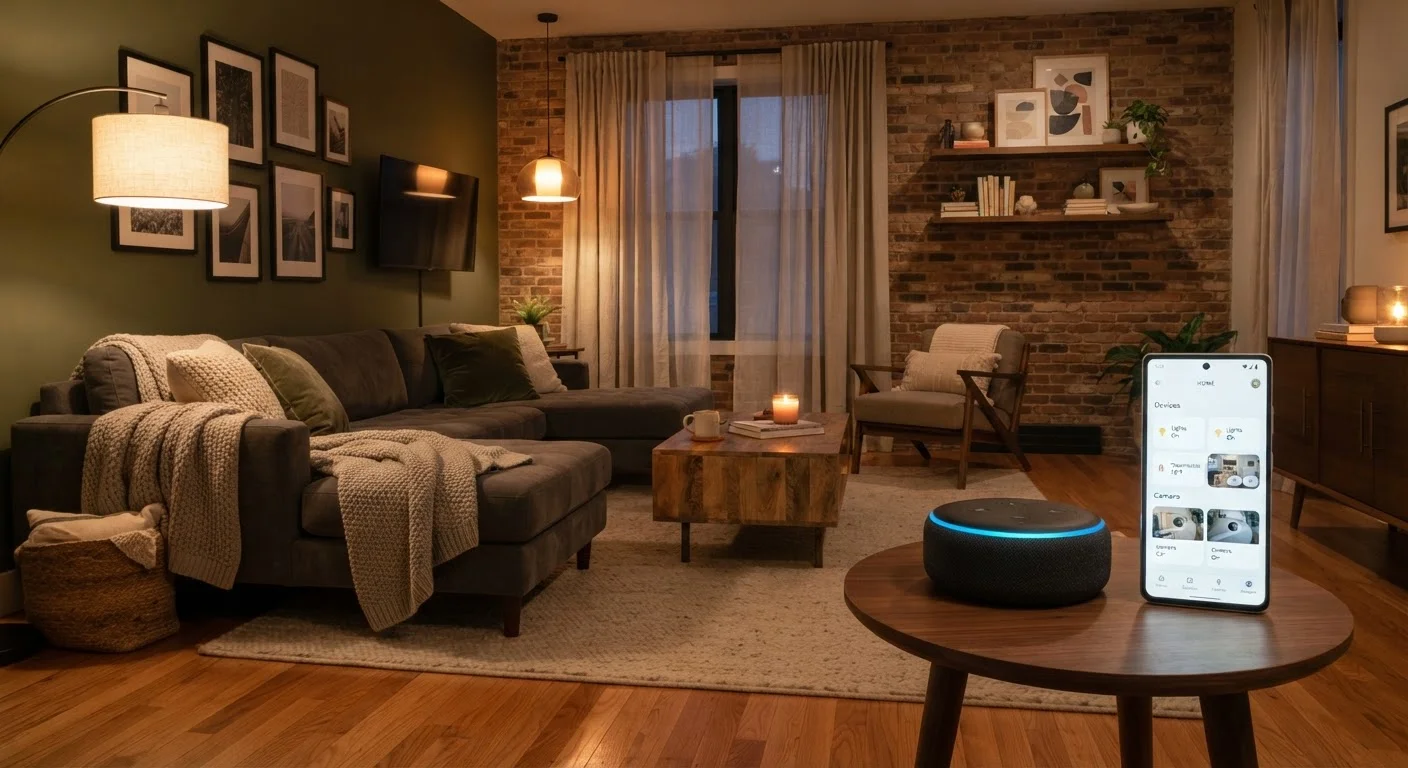
- A smart speaker or display: This becomes your voice control hub and the center of your ecosystem. It lets you test voice commands, set routines, and control other devices hands-free.
- A smart plug: Plug any standard lamp or appliance into it, and that device instantly becomes controllable by app or voice. It's the lowest-friction way to see what smart control feels like in practice.
- A smart bulb (or bulb starter kit): Smart bulbs demonstrate scheduling, dimming, and in some cases color - without any wiring changes. They're reversible and easy to return if you decide you don't want them.
These three devices let you learn how your ecosystem's app works, how automations are built, and where the friction points are - before committing significant money. For room-specific ideas beyond these starter devices, room-by-room smart home suggestions can help you prioritize what comes next.
Avoid Buying in Bulk Before Testing
It's tempting to buy a multi-pack of smart bulbs or a bundle of smart plugs right away. Resist this until you've tested one device in your specific network environment and app. Compatibility issues, app complexity, or simply deciding the feature isn't useful enough are far easier to resolve with one device than with twelve.
Expand Room by Room
Once your starter devices work reliably and you understand how to control them, expand with intention. A room-by-room approach keeps your setup manageable and lets you evaluate what's genuinely useful versus what just sounded appealing in a product listing.
A practical expansion sequence for most households:
- Entryway: A smart lock or video doorbell adds security and convenience you'll notice every day.
- Living room: A smart TV or streaming device, paired with smart lighting scenes, creates the most visible difference in daily life.
- Thermostat: A smart thermostat can improve comfort and reduce energy waste, though savings vary by home type and usage habits.
- Bedroom: Smart bulbs with schedules that dim at bedtime support natural wind-down routines.
- Kitchen and laundry: Smart plugs on coffee makers or smart appliances come last - they add convenience but rarely justify being a priority.
As your device count grows, revisit your router's performance. More devices mean more network traffic, and the weak link in most struggling smart homes is the network, not the devices themselves. See setup principles that stay relevant over time for guidance on keeping your system flexible as it grows.
Automate Once Things Are Stable
Automation - where devices respond to conditions without you tapping a button - is the part most people imagine when they picture a smart home. It's also the part that frustrates beginners the most when introduced too early.
Wait until you've lived with your devices for at least a few weeks. You'll develop a clearer sense of which manual actions actually annoy you, which is the right starting point for an automation. Good first automations include:
- Lights turning off automatically when everyone leaves home (using location-based triggers).
- A morning routine that gradually brightens lights and starts a smart plug powering the coffee maker.
- Lights switching on at sunset, avoiding the need to remember every evening.
Automations built on frustration-driven observations work. Automations copied from YouTube tutorials often don't - because someone else's home rhythm isn't yours. The complete smart home guide covers automation logic, protocols, and troubleshooting in full detail once you're ready to go further.
Automation Reliability Varies by Setup
Location-based automations (like 'turn off lights when I leave') depend on phone GPS accuracy and background app permissions, which vary by phone model and operating system settings. If these don't work perfectly at first, check your app's location permissions before assuming the device is faulty.
Frequently Asked Questions
Not necessarily. Many modern smart devices connect directly over Wi-Fi or use a smartphone app as the controller. A dedicated hub becomes useful when you add devices using protocols like Zigbee or Z-Wave, but most beginners can skip it initially.
Most consumer smart devices require a 2.4 GHz Wi-Fi band, which nearly all modern routers support. However, a congested or weak network causes connection drops. A mesh Wi-Fi system improves reliability in larger homes.
Devices that rely on cloud servers may lose remote control and voice commands during an outage. However, many devices retain local control through their apps when your router is still running. Some ecosystems offer local processing to reduce cloud dependency.
Security depends on your habits. Use strong, unique passwords for each device account, enable two-factor authentication where available, and keep firmware updated. Isolating smart devices on a guest network adds another layer of protection.
Yes, but compatibility is not guaranteed. The Matter smart home standard, adopted by major manufacturers, is improving cross-brand interoperability. Checking for Matter or your chosen ecosystem's certification label before purchasing reduces the risk of incompatibility.
A functional starter setup - smart speaker, a couple of smart plugs, and a smart bulb or two - typically costs between $50 and $150 depending on the devices you choose. Building incrementally avoids large upfront investment and lets you evaluate what's genuinely useful.
The content on this site is for informational purposes only and is not a substitute for professional advice. Always consult a qualified professional for guidance specific to your situation.