

Why the Protocol Matters Before You Buy
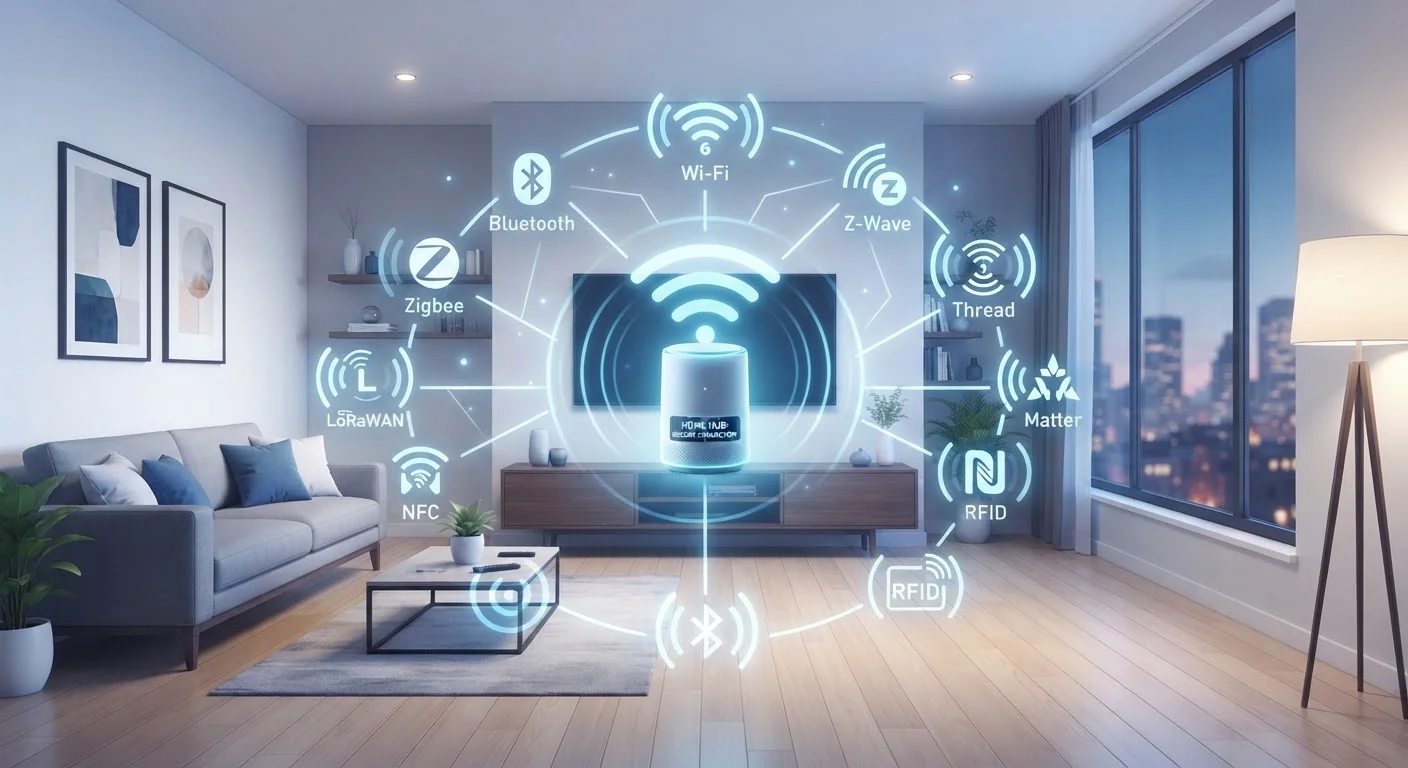
When you add a smart bulb, door lock, or thermostat to your home, it doesn't just connect to your Wi-Fi and call it a day. Most smart home devices rely on one of four major wireless protocols: Wi-Fi, Zigbee, Z-Wave, or Thread. The protocol a device uses determines its range, battery life, reliability, and whether it can talk to your other devices at all.
Choosing a device without knowing its protocol is a common source of frustration - hubs that don't connect, dead zones that won't cooperate, and ecosystems that refuse to mix. Understanding these four standards gives you a map before you start buying. For a broader look at mixing devices from different manufacturers, see Building a Smart Home Without Locking Into One Ecosystem.
| Wi-Fi Frequency | 2.4 GHz / 5 GHz (IEEE 802.11 standard) |
| Zigbee Frequency | 2.4 GHz (mesh) (IEEE 802.15.4 standard) |
| Z-Wave Frequency | 800-900 MHz (mesh) (Z-Wave Alliance specification) |
| Thread Frequency | 2.4 GHz (IPv6 mesh) (Thread Group specification) |
| Hub Required | Zigbee: Yes | Z-Wave: Yes | Thread: Border Router | Wi-Fi: No |
| Best for Battery Devices | Zigbee, Z-Wave, Thread |
| Matter Compatible | Thread (primary), Wi-Fi (also supported) (Connectivity Standards Alliance) |
The Four Protocols at a Glance
Each standard was designed with a different priority in mind - bandwidth, low power, interference avoidance, or open-standard interoperability. Here's how they break down:
Wi-Fi
Wi-Fi (typically 2.4 GHz or 5 GHz) is the protocol you already have at home. Smart devices using Wi-Fi connect directly to your router - no hub required. That convenience comes at a cost: Wi-Fi is power-hungry, which limits its use to plugged-in devices like cameras, video doorbells, and smart speakers. It also places additional load on your router; a large number of Wi-Fi smart devices can slow overall network performance.
Zigbee
Zigbee operates on the 2.4 GHz band but uses far less power than Wi-Fi. Devices form a mesh network - each mains-powered device acts as a repeater, extending coverage across larger homes. A hub (also called a coordinator) is required to bridge Zigbee devices to your internet router. Zigbee is widely used in smart lighting, sensors, and outlets. Its main limitation is fragmentation: different manufacturers implement Zigbee in slightly different ways, which can cause pairing issues.
Z-Wave
Z-Wave runs on the 800-900 MHz band, which means it sidesteps the congested 2.4 GHz spectrum that Wi-Fi and Zigbee both occupy. Like Zigbee, it forms a mesh network and requires a hub. Z-Wave is particularly popular in security systems and door locks, partly because its frequency range gives it better wall-penetrating range in some environments. The Z-Wave Alliance enforces tighter certification standards, which tends to result in stronger cross-brand compatibility than Zigbee, though the device ecosystem is smaller overall.
Thread
Thread is the newest of the four. Like Zigbee and Z-Wave, it forms a mesh and is optimized for low power consumption - but it's built on standard internet protocols (IPv6), meaning Thread devices can be addressed directly over a network without proprietary translation layers. Thread requires a Thread Border Router (often built into a smart speaker or hub) rather than a traditional hub. Thread is a key part of the Matter standard, the cross-platform interoperability initiative backed by major technology and home automation companies. For more on how Matter fits the broader ecosystem picture, see Smart Home Ecosystems Explained.
Mesh Network
A network topology where each device relays signals for others, extending range without a single central point. Zigbee, Z-Wave, and Thread all use mesh architectures.
Hub / Coordinator
A central device that manages communication between Zigbee or Z-Wave devices and your home internet router. Without it, those devices cannot connect to cloud services or apps.
Thread Border Router
A device (often a smart speaker or dedicated hub) that connects a Thread mesh network to a standard IP network, enabling internet communication without a proprietary hub.
Matter
An open interoperability standard developed by the Connectivity Standards Alliance that allows smart home devices from different manufacturers to work together. Thread and Wi-Fi are its primary transport layers.
IPv6
The modern internet addressing protocol that Thread devices use natively, allowing them to be addressed on a network like any computer or phone - without proprietary translation.
2.4 GHz Band
A radio frequency range used by Wi-Fi, Zigbee, and Thread. It offers broader range than 5 GHz but is more congested, especially in dense residential areas.
Matching the Protocol to Your Situation
No single protocol is universally superior. The right choice depends on what you're trying to do:
- Renting or starting small: Wi-Fi devices are easiest to set up with no hub needed, but keep an eye on your router's device limit.
- Large homes or thick walls: Zigbee and Z-Wave mesh networks can be more reliable than Wi-Fi for sensors and locks in hard-to-reach areas.
- Security and locks: Z-Wave's stricter certification and dedicated frequency make it a common choice for security-focused hardware.
- Future-proofing: Thread and Matter support is growing. If you're building out a system now, checking for Matter compatibility on new purchases can simplify long-term expansion.
- Battery-powered sensors: Avoid Wi-Fi for anything running on batteries - Zigbee and Z-Wave are far more efficient.
Most real-world smart homes end up running more than one protocol. A hub that supports multiple standards - or a platform that abstracts the differences - is often a practical solution. Wired vs. Wireless Smart Home Devices covers how physical installation choices intersect with these wireless decisions.
One Home, Multiple Protocols Is Normal
Many households run two or three of these protocols simultaneously without issue. A smart speaker might use Wi-Fi and act as a Thread Border Router, while a separate hub manages Zigbee lights and Z-Wave locks. What matters is that your chosen hub or platform supports the devices you want - not that everything speaks the same language natively.
The content on this site is for informational purposes only and is not a substitute for professional advice. Always consult a qualified professional for guidance specific to your situation.