

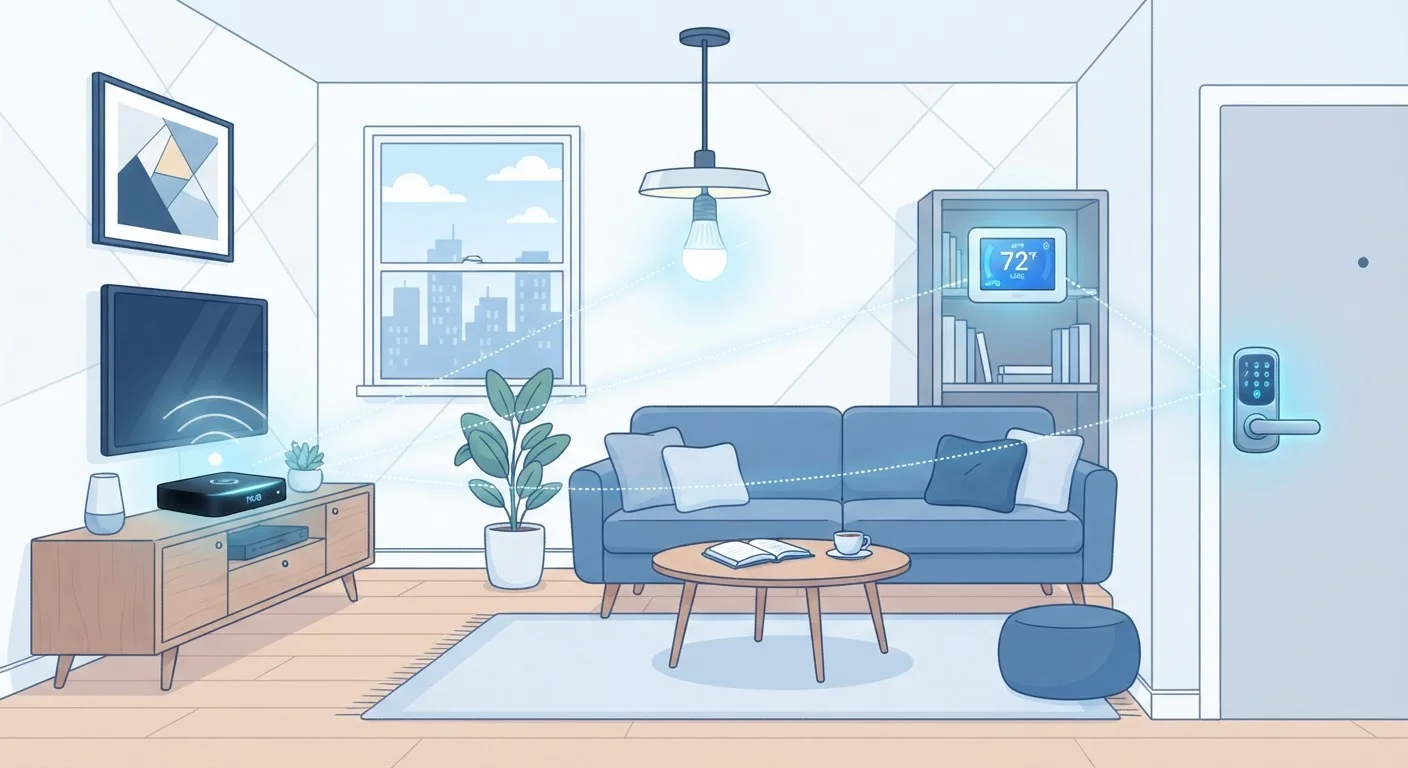
Why Protocols Matter More Than You Think
When you buy a smart bulb or a connected thermostat, the brand name on the box isn't the only thing that determines whether it fits into your home setup. The protocol - the wireless communication standard baked into the device - decides which hubs it needs, how reliably it responds, and whether it'll still work if you switch voice assistants. Understanding the four main protocols gives you a practical filter for every purchase decision.
For a broader look at how smart home devices connect and interact, see our plain-language smart home overview.
Thread Is Closely Related to Matter
Thread is a low-power mesh radio protocol that Matter can run on top of, alongside Wi-Fi. When you see 'Thread' on a device spec sheet, it means the device is designed for battery-friendly mesh networking and is likely also Matter-compatible. Thread itself doesn't require a cloud connection, which can improve responsiveness and reliability.
Matter: The New Common Language
Matter is an open-source protocol developed by the Connectivity Standards Alliance, with major contributions from Amazon, Apple, Google, and Samsung. Its defining promise is interoperability: a Matter-certified device is designed to work with any Matter-compatible platform without requiring a brand-specific bridge.
Matter runs over Wi-Fi and Thread (a low-power mesh radio), giving it flexibility across device types. It launched in late 2022 and has since been adopted across a growing range of light bulbs, thermostats, locks, and sensors.
Over 4,000
Matter-certified devices as of 2024
According to the Connectivity Standards Alliance, the number of Matter-certified products crossed 4,000 during 2024, reflecting rapid industry adoption since the standard's 2022 launch.
908 MHz
Z-Wave radio frequency in the US
Z-Wave operates on a sub-gigahertz band in North America, a frequency largely free from the congestion affecting 2.4 GHz Wi-Fi and Zigbee networks.
The main limitation today is that the device catalog is still smaller than established protocols, and not all older devices can be updated to support it. But for anyone building a new setup, prioritizing Matter-certified hardware is a reasonable hedge against future ecosystem fragmentation.
Zigbee and Z-Wave: The Mesh Network Workhorses
Zigbee and Z-Wave both create mesh networks - meaning each device can relay signals to others, extending coverage and reducing dead zones. This architecture makes them especially effective in larger homes. Both protocols are also designed for low power consumption, which is why most battery-powered sensors, door locks, and window shades rely on one or the other.
Zigbee operates on the 2.4 GHz band (the same as most Wi-Fi networks and Bluetooth), which can cause occasional interference in dense wireless environments. It supports a large number of devices per network and has a broad ecosystem of compatible hardware. Philips Hue's proprietary protocol, for example, is Zigbee-based.
Z-Wave operates on a sub-gigahertz frequency (around 908 MHz in the US), which avoids Wi-Fi congestion entirely. It has a stricter certification process that historically resulted in strong interoperability between devices from different manufacturers. Z-Wave's maximum device limit per network is lower than Zigbee's, but sufficient for most households.
Both protocols typically require a compatible hub. For a clear breakdown of how hubs and bridges fit into your setup, see our guide to smart home hubs and bridges.
Wi-Fi: The Simplest Option - With Trade-offs
Wi-Fi smart devices connect directly to your home router, so there's no hub required. That simplicity is the main appeal: plug in, download the app, and you're running. Cameras, video doorbells, and smart plugs frequently use Wi-Fi because they're either always plugged in or require the bandwidth that Wi-Fi provides.
The trade-offs are real, though. Wi-Fi devices draw more power than mesh protocol devices, making them a poor fit for battery-operated accessories. They also add load to your router, and a crowded network can cause slower response times or dropped commands. If you're adding more than a handful of devices, a router with strong device-management features - or a move toward a hub-based mesh protocol - is worth considering.
Check Your Router's Device Limit
Consumer routers commonly support between 30 and 50 connected devices comfortably before performance degrades. If you plan to add more than a dozen Wi-Fi smart devices, check your router's specifications or consider a mesh Wi-Fi system designed for high device density.
For a direct comparison of all four wireless standards and their specific strengths, see our wireless standards breakdown.
Choosing the Right Protocol for Your Setup
There's no single best protocol - the right choice depends on your priorities. A quick framework:
- Starting fresh: Lean toward Matter-compatible devices where available. You'll gain long-term flexibility across platforms.
- Battery-powered devices: Zigbee or Z-Wave will serve you better than Wi-Fi for sensors, locks, and remotes.
- Large homes: Mesh-based protocols (Zigbee, Z-Wave, or Thread via Matter) handle distance better than Wi-Fi alone.
- Expanding an existing setup: Match the protocol your current hub already supports to avoid adding another hub.
For a complete picture - covering setup, security, and automation alongside protocols - see our full smart home setup guide. And for more on how everyday connected devices actually work, visit the Gadgets & Devices hub.
Frequently Asked Questions
In most cases, yes. Zigbee and Z-Wave devices typically require a compatible hub or bridge to communicate with your phone or smart home app. Some platforms have hubs with built-in Zigbee or Z-Wave radios, which eliminates the need for a separate device.
Matter is designed to simplify cross-brand compatibility, but it doesn't eliminate Zigbee or Z-Wave. Many Matter-compatible hubs can still talk to Zigbee and Z-Wave devices, and both older protocols remain widely used - especially for sensors and locks.
Adding many Wi-Fi smart devices can contribute to network congestion, particularly on older routers. Each device occupies an IP address and generates background traffic. Mesh protocols like Zigbee and Z-Wave offload this traffic from your main Wi-Fi network.
Yes - cross-platform compatibility is Matter's core purpose. A Matter-certified device is designed to work with Amazon Alexa, Apple Home, Google Home, and Samsung SmartThings without needing separate apps or bridges for each.
Z-Wave is widely regarded as reliable for security devices like locks and sensors because it operates on a less-crowded radio frequency (around 908 MHz in the US) and has a strict certification process that ensures device interoperability.
The content on this site is for informational purposes only and is not a substitute for professional advice. Always consult a qualified professional for guidance specific to your situation.