

The Round Trip Most People Don't Know About
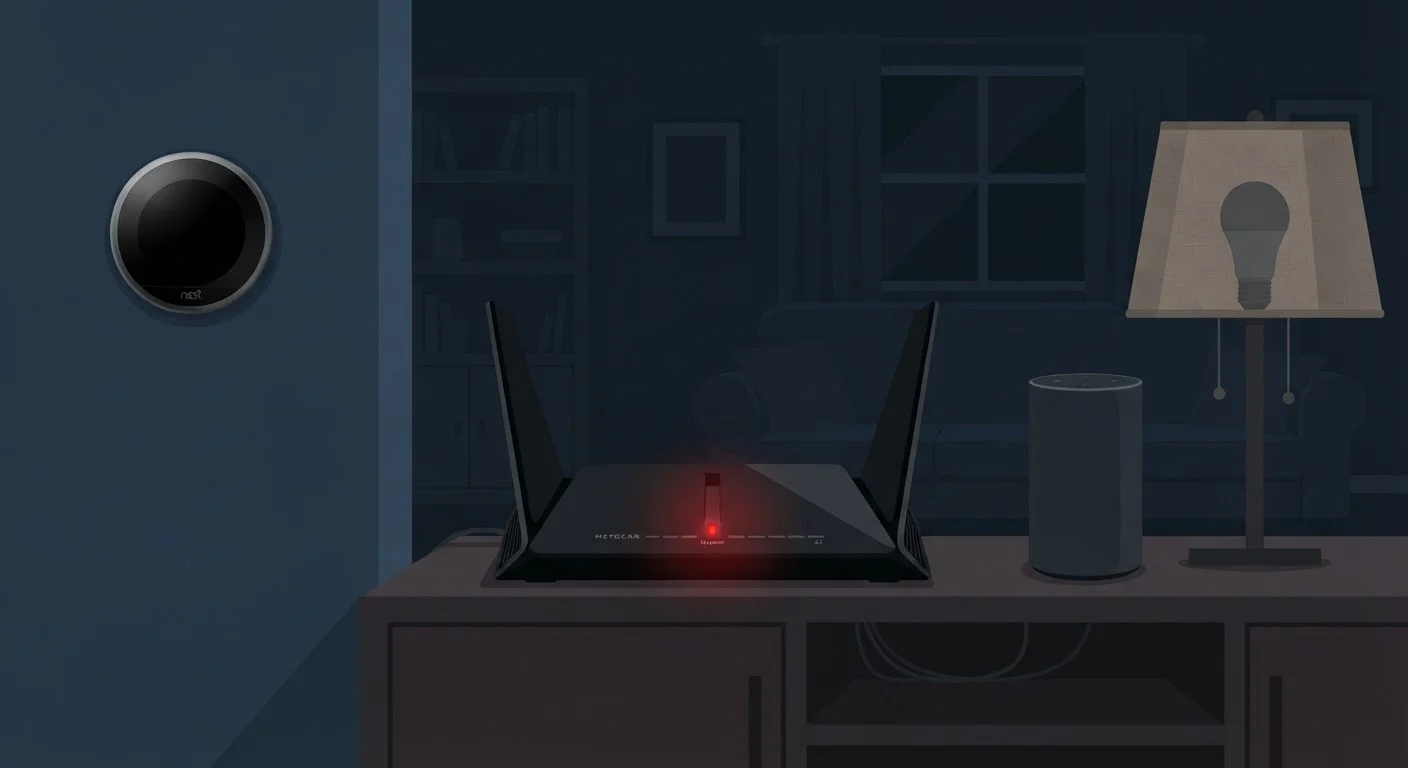
Tapping a button in your smart home app feels instant, but the command often travels much farther than across the room. For many devices, the request leaves your phone, travels over your router to the internet, reaches a manufacturer's server somewhere else in the country, gets processed and authenticated, then bounces back to your home to trigger the device. The entire loop happens in under a second - until the router goes down.
Without an active internet connection, that round trip is impossible. The device is still powered on, still connected to your local Wi-Fi, and still perfectly functional as hardware. But it has no way to reach the server that tells it what to do. From the device's perspective, it's waiting for instructions that will never arrive.
This is the fundamental reason most smart devices go dark during an outage: they were never designed to work independently. The intelligence is in the cloud, not in the device itself. For a deeper look at how this split affects everyday use, see which devices rely on the cloud vs. process locally.
Local Processing: The Exception to the Rule
Not every smart device takes this detour. Some are built with enough onboard processing power - or connect to a local hub that has it - to handle commands without ever touching the internet. These devices communicate directly over your home's local network, or even over protocols like Zigbee or Z-Wave that don't require Wi-Fi at all.
The distinction matters practically. A smart thermostat running local logic can still execute a schedule during an outage. A smart speaker that depends entirely on cloud-based voice recognition cannot process a single word without connectivity. Understanding this split before you buy saves frustration later.
Check for Local Control Before You Buy
Before adding a device to your smart home, search the manufacturer's support documentation for the phrase 'local control' or 'offline mode.' If you can't find either, assume the device requires a constant internet connection to function. This single check can save significant frustration during outages.
Hub-based setups - where a central hub manages connected devices locally - generally offer more offline resilience than app-only ecosystems. If consistent reliability during outages is a priority for you, researching whether a device or platform supports local control is time well spent. The differences between local and cloud processing have real consequences for reliability.
What You Can Actually Do About It
The most effective step is knowing which of your devices are cloud-dependent before an outage happens. Most manufacturers document this in their support pages under terms like "local control," "offline mode," or "works without internet." If that language is absent, assume cloud dependency.
~80%
Smart devices requiring cloud connectivity
Industry analyses of major smart home platforms consistently find the large majority of consumer smart devices depend on cloud servers for core functionality.
3-5 min
Typical router reboot downtime
Most home routers take three to five minutes to fully reconnect after a reboot, enough to trigger cloud-dependent device disconnections and missed automations.
For devices where offline function genuinely matters - security cameras, door locks, smoke detectors - prioritize hardware that either stores data locally or operates independently of a server connection. Many cameras, for example, can record to a local SD card or NAS drive even when cloud upload is unavailable.
A battery backup or uninterruptible power supply (UPS) for your router can also help. Many outages are brief, and keeping the router powered through a short interruption prevents smart devices from ever losing their internet path. This won't help during a prolonged ISP outage, but it eliminates most nuisance dropouts. If you're also thinking about network security alongside reliability, this practical checklist for smart home network security covers both concerns together.
Finally, if you're building or upgrading a smart home setup and want it to stay useful when connectivity is spotty, look into ecosystems that explicitly support local processing. You'll find more options in that space than existed just a few years ago. For a broader overview of what's available, the Smart Home Devices hub is a useful starting point.
This article is for informational and educational purposes only. Product capabilities vary; always verify offline functionality with the manufacturer before purchasing if it is critical to your use case.
Frequently Asked Questions
Most smart lights rely on a manufacturer's cloud server to process commands from your phone or voice assistant. When the internet is down, that communication path is broken, so the device can't receive instructions even though it's powered on. Lights connected to a local-processing hub may still respond during an outage.
No. Devices that process commands locally - on a dedicated hub or onboard chip - can continue to function during an internet outage. Cloud-dependent devices, however, go offline until the connection is restored. Checking a device's spec sheet or support page for "local control" support is the clearest way to know which category it falls into.
Only if the device supports local network control. Some devices allow direct communication between your phone and the gadget on the same Wi-Fi network, bypassing cloud servers entirely. This feature varies by brand and model and is usually listed in the device's documentation or app settings.
It depends on the lock. Many smart locks retain basic keypad or physical key functionality regardless of connectivity. App-based remote unlocking typically requires an internet connection. If uninterrupted access is critical, confirm the lock supports offline operation before relying on it.
A router connects your home to the internet. A smart hub is a dedicated device that manages communication between your smart gadgets locally. Hubs with local processing capability allow connected devices to keep working even when the broader internet connection drops.
The content on this site is for informational purposes only and is not a substitute for professional advice. Always consult a qualified professional for guidance specific to your situation.