

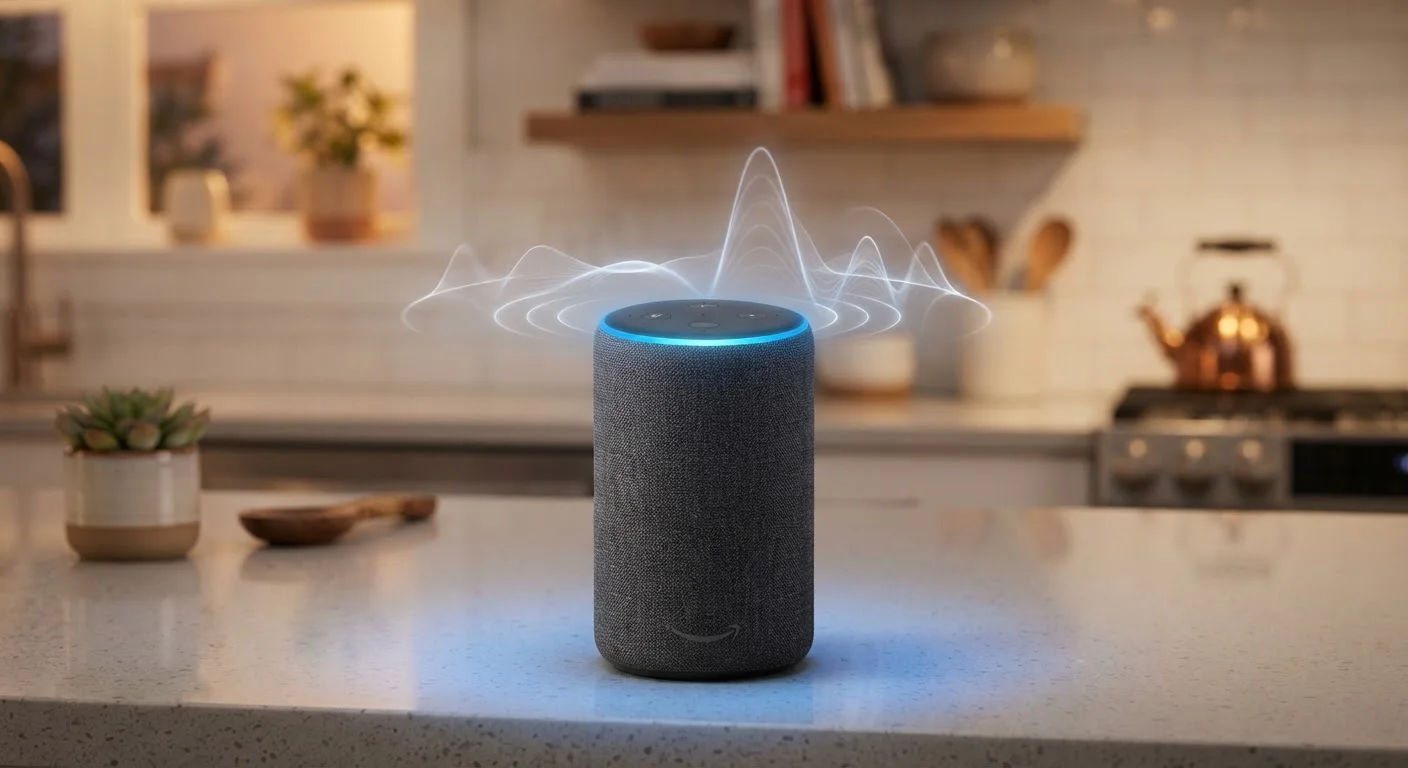
The Microphone Array: More Than Just Listening
A smart speaker doesn't use a single microphone the way a phone handset does. Most devices contain an array of microphones - often four to seven - arranged in a circle or line. This arrangement enables a technique called beamforming, where the device electronically focuses its "hearing" in one direction by comparing the tiny differences in timing as sound arrives at each mic.
The practical result: your speaker can effectively tune in to your voice even when music is playing nearby or someone else is talking in the room. This capability is why the technology is called far-field recognition - it's designed to work across a room, not just from a foot away.
However, beamforming isn't magic. Rooms with hard reflective surfaces - bare floors, large windows, concrete walls - generate echoes that arrive at each microphone slightly offset, muddying the signal the algorithm is trying to isolate. That's one concrete reason why room acoustics affect far more than music quality.
Why Microphone Count Isn't Everything
More microphones in an array don't automatically mean better recognition. The quality of the beamforming algorithm, the acoustic design of the device casing, and the signal processing software matter at least as much as microphone count. Marketing specs for microphone quantity are a rough proxy at best - real-world placement and room conditions have an equal or greater effect on performance.
How Wake Word Detection Actually Works
Your smart speaker is in a constant low-power listening state, but it isn't uploading audio to the cloud 24 hours a day. A small, efficient neural network running directly on the device is trained to recognize one thing: the phonetic pattern of its wake word. Think of it as a highly specialized audio tripwire.
When the on-device model detects a pattern that closely matches the wake word - above a confidence threshold - it triggers the full system. Only then does audio begin streaming to cloud servers for natural language processing, which is where commands are actually understood and acted upon.
This two-stage architecture is a deliberate design choice. It keeps power consumption low, reduces the volume of audio transmitted, and limits exposure of general household audio to remote servers. Common misconceptions about smart home listening often stem from not understanding this distinction between always-on detection and active recording.
4-7
Microphones in a typical smart speaker array
Most consumer smart speakers ship with multi-microphone arrays to enable beamforming and far-field voice recognition.
~1ms
Timing difference microphones use for beamforming
Beamforming algorithms detect microsecond-level differences in sound arrival time across the microphone array to identify voice direction.
2-stage
Processing pipeline for every voice command
On-device wake word detection fires first; cloud-based natural language processing handles the actual command interpretation only after activation.
Why Mishearing Happens: The Real Culprits
Misrecognitions fall into two categories: false activations (the speaker wakes up when you didn't call it) and command errors (it woke up correctly but interpreted your words wrong).
False activations are almost always phonetic coincidences. Wake words are chosen in part for their distinctive sound, but no word is entirely unique in the acoustic space of human speech and media. A phrase in a podcast or a word in casual conversation can share enough phoneme sequences to trigger the confidence threshold.
Command errors are a different problem. After the wake word fires, the cloud-side natural language processing takes over. Errors here often come from:
- Acoustic environment - reverberation or competing audio degrades the transmitted signal
- Phrasing - voice assistants are tuned to specific command structures; unexpected phrasing reduces accuracy
- Speaker variation - accent, speaking pace, and vocal characteristics all affect how well your speech maps to the model's training data
Understanding this helps explain why shouting louder rarely helps - the problem usually isn't volume, it's signal quality or phrasing. See what voice assistants can and cannot do for a broader look at where these systems genuinely succeed and where they still struggle.
Phrase Commands the Way the Model Expects
Voice assistants are tuned to recognize natural, conversational command patterns - not keyword telegrams. Saying "Hey [assistant], what's the weather like tomorrow in Chicago?" typically outperforms "Hey [assistant] - weather - Chicago - tomorrow." Complete, natural sentences give the language model more context to work with and reduce ambiguous interpretations.
Practical Steps to Reduce Errors
Improving recognition doesn't require a hardware upgrade. A few environmental and behavioral adjustments often make a noticeable difference:
- Reposition the device - Place it in an open area, away from walls and away from TVs or speakers that play audio. The microphone array works best without competing direct sound sources nearby.
- Retrain your voice profile - Most companion apps allow you to record a personalized voice model. This teaches the system your specific acoustic characteristics.
- Use natural pacing - Speaking at a conversational pace, rather than slowly over-enunciating, typically yields better results. Models are trained on natural speech patterns.
- Reduce background noise at the moment of the command - If you're issuing a command while music is playing loudly, lower the volume first. Beamforming has limits.
For anyone deciding between device types, it's also worth considering that screen-equipped smart displays often pair voice input with visual confirmation, which can reduce the frustration of misheard commands. The comparison between smart speakers and smart displays covers how these different form factors handle interaction in practice.
Frequently Asked Questions
No - smart speakers run a lightweight, on-device model that listens only for the wake word. Audio is not continuously sent to the cloud. Recording and transmission begin only after the wake word is detected, though false triggers can occasionally cause unintended captures.
Voice assistants recognize phonetic patterns, not semantic meaning. If a TV program or advertisement contains syllable sequences that sound like the wake word, the device may trigger. Some manufacturers tune their models specifically to reduce media false triggers, but no system eliminates them entirely.
Yes, it can. Voice recognition models are trained on large datasets of speech, and if certain accents or dialects are underrepresented in that training data, accuracy can drop. Most major platforms have improved significantly over time, but regional variation in recognition quality still exists.
It can. Hard surfaces cause sound reflections that interfere with the microphone array's ability to isolate your voice. Open placement away from walls and away from competing audio sources generally yields better recognition accuracy.
Quiet rooms with hard floors or bare walls create strong echo and reverberation, which confuses beamforming algorithms. Additionally, speaking too quickly, trailing off, or using unusual phrasing can push the device outside its confident recognition range.
Often yes. Repositioning the device away from walls and audio sources, retraining the voice profile in the companion app, and speaking at a natural pace rather than shouting are all practical steps. Firmware updates from manufacturers also periodically improve recognition models.
The content on this site is for informational purposes only and is not a substitute for professional advice. Always consult a qualified professional for guidance specific to your situation.