

Our Verdict
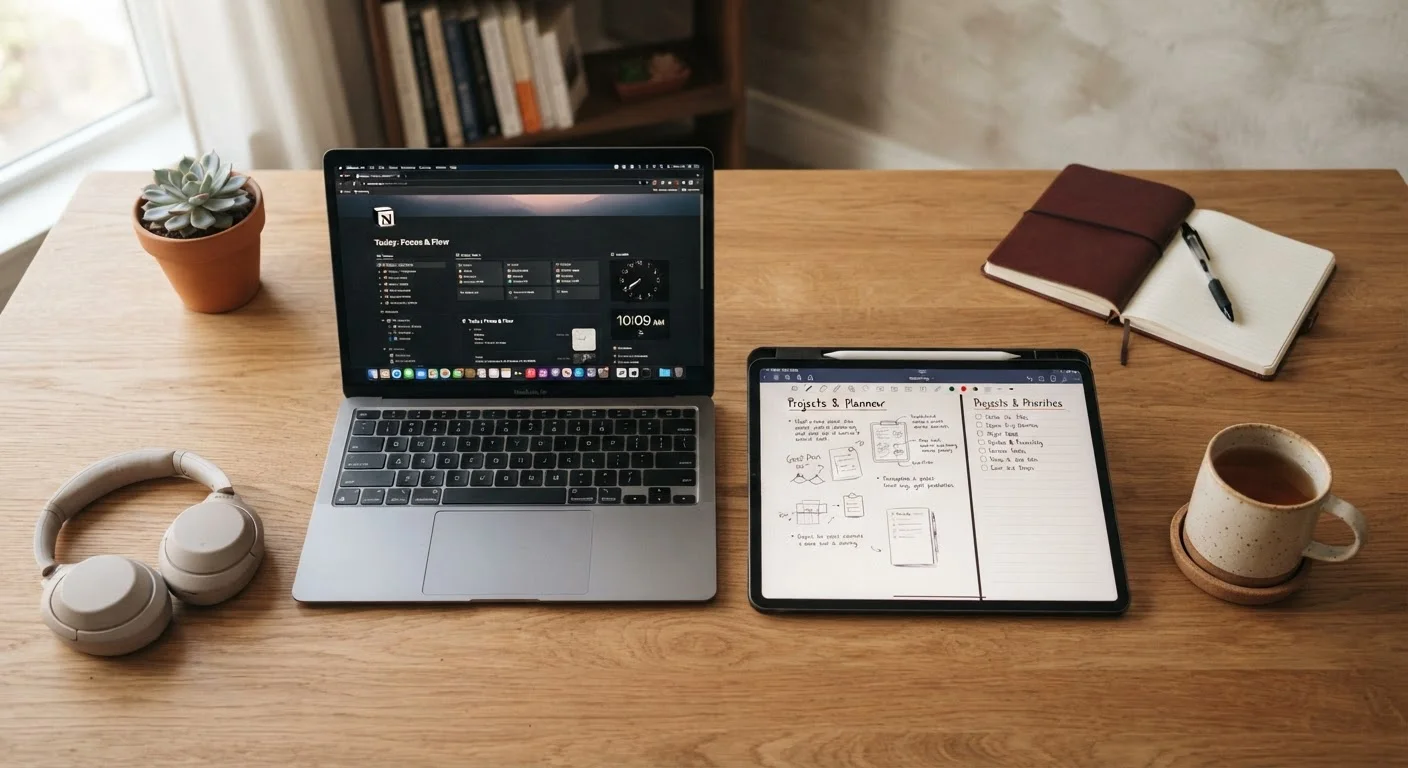
Tablets and laptops overlap more than ever, but each still has a lane where it genuinely outperforms the other. For people whose days revolve around writing, spreadsheets, or desktop-class software, a laptop remains the more practical anchor device. For those who mainly read, stream, attend video calls, or create visual content on the go, a tablet can be the better fit - and often the lighter one.
| Best for | Recommended |
|---|---|
| Heavy writers, coders, and spreadsheet users | Laptop |
| Readers, streamers, and casual web browsers | Tablet |
| Artists, annotators, and visual note-takers | Tablet |
| Students or professionals needing one versatile device | Laptop |
Why This Question Keeps Getting Harder to Answer
Tablets now attach keyboards. Laptops now fold flat and accept stylus input. Marketing from both camps insists you can do everything on either device. That's mostly true - but mostly is doing a lot of heavy lifting in that sentence.
The real question isn't what a device is capable of doing. It's what it makes easy to do repeatedly, for hours at a time, without friction. That's where the differences between tablets and laptops remain real and worth thinking through before you spend money on either.
For a broader framework on evaluating any new gadget before committing, see this practical checklist.
Where Tablets Genuinely Shine
A tablet's strongest arguments come down to form factor and interaction model. The screen is the interface - there's no physical translation between your intent and what happens on screen. For certain tasks, that directness is a genuine advantage:
- Reading and annotating: Holding a tablet like a book or a document feels natural. Highlighting, sketching margin notes, or marking up a PDF is faster with a finger or stylus than with a trackpad.
- Media consumption: Streaming, browsing photos, casual gaming - tablets handle all of it while being lighter and easier to use from a couch or airplane seat.
- Video calls and meetings: The front-facing camera orientation on a tablet is often better suited to propped-up video calls than a laptop placed on a desk.
- Visual creativity: Digital drawing and illustration apps take advantage of stylus precision in ways that a laptop trackpad simply can't replicate.
Battery life is another area where tablets often hold an edge in real-world use - partly because the tasks they handle tend to be less processor-intensive.
Test Before You Commit
If you're on the fence, try borrowing or using a friend's device for a full work session before deciding. Fifteen minutes in a store rarely reveals how a device feels after two hours of real tasks. Most friction points - awkward keyboard angles, unfamiliar app behavior - only show up with extended use.
Where Laptops Still Hold the Edge
The keyboard-and-trackpad combination has decades of ergonomic refinement behind it, and for sustained text input it still wins. If your workday involves writing long documents, filling spreadsheets, coding, or jumping between a dozen browser tabs and multiple apps simultaneously, a laptop is the more comfortable tool.
- Typing volume: External keyboards for tablets work, but add cost, weight, and the friction of setup. A laptop's integrated keyboard is just there.
- File management: Moving, renaming, and organizing files - especially across multiple storage locations - remains more intuitive in a desktop-style file system.
- Desktop-class software: Many professional tools (video editing suites, engineering software, complex spreadsheet environments) still run best or exclusively on desktop operating systems.
- Multitasking: Running two or more apps side by side in a way that actually speeds up work - without workarounds - is easier on a laptop.
Understanding how app ecosystems differ between these platforms matters too. The distinction between native and web-based tools can affect which device serves you better - see native vs. web apps explained for more context.
| Tablet | Laptop | |
|---|---|---|
| Typing comfort (long sessions) | Awkward without add-ons | Strong, integrated keyboard |
| Portability and weight | Lighter, more pocketable | Heavier, needs a bag |
| Touch and stylus input | Native, precise | Limited or absent |
| Multitasking across many apps | Works, but with friction | More fluid and flexible |
| Desktop-class software support | Restricted or unavailable | Full access |
| Battery life (typical use) | Often longer | Varies by workload |
| Reading and media consumption | Excellent form factor | Functional but less natural |
How to Decide: Start With Your Actual Day
Rather than matching yourself to a spec sheet, trace through a typical day of device use and count the minutes. How much time do you spend typing versus reading? Working in one application versus switching between many? At a desk versus on the move?
A few questions that tend to clarify the choice quickly:
- Do you produce more text than you consume, or the reverse?
- Is your work tied to specific software that only runs on a desktop OS?
- Do you take the device somewhere it needs to be light and discreet?
- Do you regularly sketch, annotate, or draw?
If you own either device already, you may get more mileage from optimizing how you use it than from replacing it. Extending what you already own is often a better first step than upgrading. And if note-taking is a key part of your workflow, the right note-taking app can make either device work significantly better for that task.
The content on this site is for informational purposes only and is not a substitute for professional advice. Always consult a qualified professional for guidance specific to your situation.