

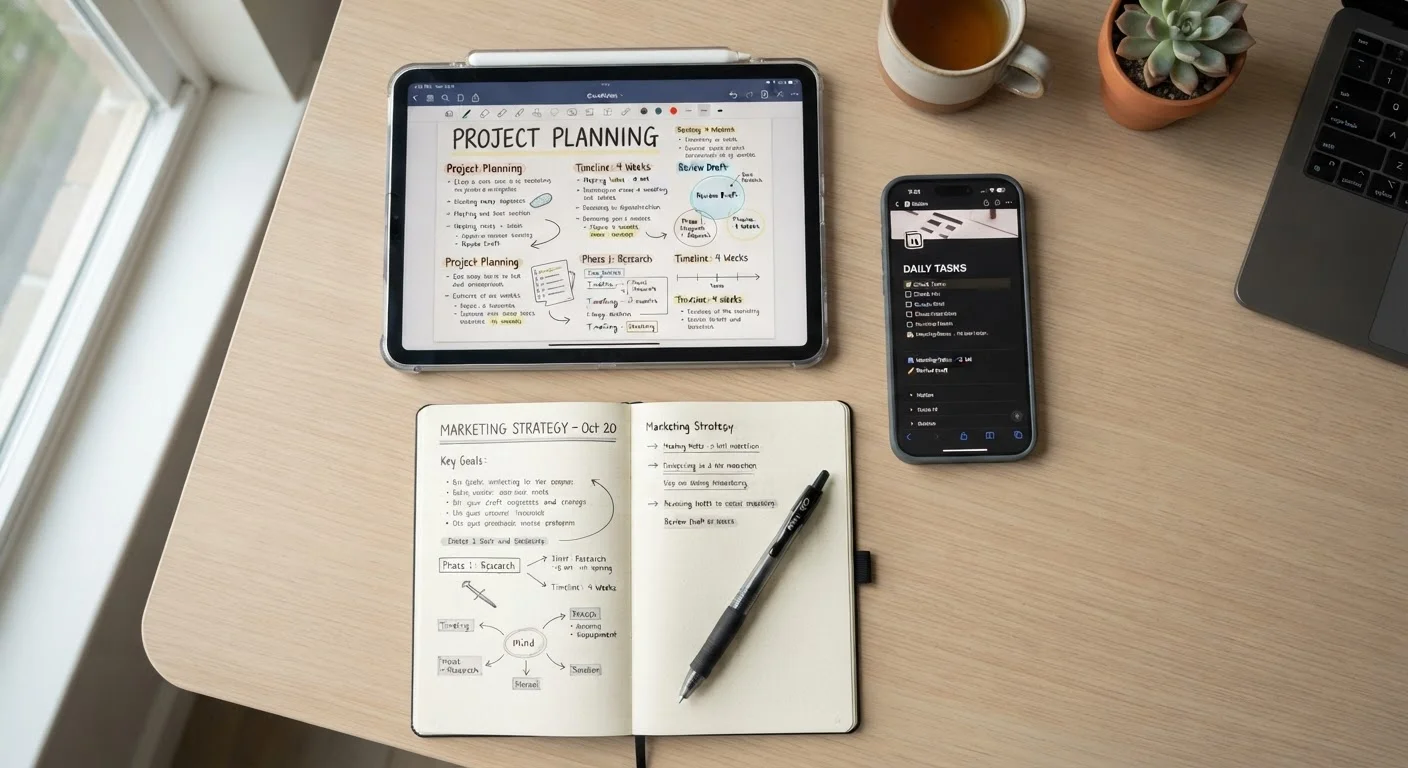
Our Verdict
No single note-taking app works for every brain. Linear, folder-based tools suit people who value simplicity and reliability. Networked or linked-note tools serve those who work across ideas that intersect frequently. Audio-first approaches benefit people who think faster than they type. The right choice is the one that removes friction from your actual habits, not the one with the longest feature list.
| Best for | Recommended |
|---|---|
| Simple capture and retrieval with minimal setup | Linear / folder-based apps |
| Researchers, writers, or strategists connecting many ideas | Networked / linked-note apps |
| On-the-go thinkers who prefer speaking over typing | Audio transcription apps |
| People combining tasks, notes, and calendars in one place | All-in-one workspace apps |
Why Your Note-Taking App Might Be Working Against You
Most people pick a note-taking app based on a friend's recommendation or a viral productivity post. A few weeks later, they've got hundreds of unsorted notes, a system they don't trust, and a nagging feeling they're doing it wrong. Often, the problem isn't discipline - it's a mismatch between the app's logic and how they actually think.
Note-taking apps aren't neutral tools. Each one is built around a philosophy about how information should be organized and retrieved. Understanding those philosophies - before you commit to one - can save a lot of wasted effort. See also our guide on avoiding over-engineered digital systems, which applies equally here.
The Four Main Note-Taking Philosophies
Broadly, digital note-taking tools fall into four camps, each with a distinct organizational logic:
- Linear / folder-based: Notes live in notebooks, folders, or tags. You find things by browsing a hierarchy or searching by keyword. This mirrors how physical filing works and feels intuitive to most people immediately.
- Networked / linked-note: Notes connect to each other via internal links and backlinks, forming a web of ideas rather than a tree. These tools are built on the idea that knowledge isn't linear - it branches and intersects. They require more upfront thinking but reward users who work across complex, overlapping topics.
- Audio-first / transcription-based: You speak; the app captures and transcribes. These tools prioritize speed of capture over organization, making them strong for meetings, commutes, and moments when typing isn't practical.
- All-in-one workspaces: These combine notes with tasks, databases, and sometimes calendars. Powerful for project management, but their flexibility can become a productivity trap if you spend more time building the system than using it.
| Linear / Folder-Based | Networked / Linked-Note | Audio Transcription | All-in-One Workspace | |
|---|---|---|---|---|
| Learning curve | Low | High | Low to medium | High |
| Best for | Simple capture & retrieval | Complex, interconnected ideas | On-the-go capture | Project + note consolidation |
| Retrieval method | Browse folders or search | Follow links and backlinks | Search transcriptions | Search + database filters |
| Setup time | Minutes | Hours to days | Minutes | Hours to days |
| Long-term portability | Varies by app | Often Markdown-based | Varies by app | Often proprietary |
| Suits thinking style | Categorical thinkers | Associative thinkers | Verbal thinkers | Systems-oriented thinkers |
If you use your notes primarily for personal reflection or emotional processing, it's also worth reading about what the research says about expressive writing - the goals there are different enough to warrant a different tool entirely.
Matching the Tool to Your Thinking Style
The honest question to ask yourself isn't "which app is most popular?" - it's "how do I naturally process information?"
If you think in lists and categories, a folder-based app will feel natural from day one. You won't need tutorials to get started, and your notes will be findable because you built the structure instinctively. The risk: rigid hierarchies can make cross-topic thinking harder over time.
If you think in connections, a networked tool will feel revelatory - eventually. Expect a learning curve. These apps often require you to link notes manually and develop habits around naming and tagging. The payoff is a system that surfaces unexpected relationships between ideas, which is genuinely useful for writers, researchers, and anyone managing a large knowledge base.
If you think out loud, audio capture is underrated. Dictating a rough idea during a commute and reviewing a transcription later can be faster than any typed workflow. Transcription accuracy has improved substantially, though technical vocabulary and proper nouns still need review.
Try Before You Commit
Most note-taking apps offer free tiers or trial periods. Before moving your existing notes, spend one to two weeks using a new app exclusively for fresh notes. This low-stakes test reveals whether the app's logic fits your habits without the risk of disrupting an existing system.
All-in-one workspaces suit people who want to consolidate - notes, tasks, and project tracking in one tool. The tradeoff is complexity. If you find yourself spending significant time organizing the system rather than using it, that's a signal to simplify. Consider pairing a lighter note tool with a dedicated calendar app - see our overview on calendar and scheduling apps for that side of the equation.
Your choice of device matters too. If you're deciding between a tablet and laptop for note-taking, the tablet vs. laptop comparison breaks down where each genuinely earns its place.
Practical Advice Before You Switch (or Start)
A few principles worth keeping in mind regardless of which direction you go:
- Switching costs are real. Migrating years of notes between apps takes time and often loses formatting or links. Choose deliberately rather than chasing new tools.
- Start with your retrieval habit. Ask yourself: when you need an old note, how do you look for it - by browsing folders, searching keywords, or following a chain of related ideas? Your answer points directly to the right app architecture.
- Avoid premature optimization. Building elaborate tagging systems or linked databases before you have enough notes to justify them is a common time sink. Let the system grow with your actual needs.
- Plain text ages well. Notes in proprietary formats can become inaccessible if an app shuts down or changes its pricing. Tools that store notes as plain text or Markdown give you more long-term portability.
For a parallel look at how these decisions play out in spending and budgeting tools - another domain where system-fit matters - see our breakdown of tracking methods across spreadsheets, apps, and paper. The underlying logic - match the tool to your actual behavior, not your aspirational behavior - applies equally here.
The content on this site is for informational purposes only and is not a substitute for professional advice. Always consult a qualified professional for guidance specific to your situation.