

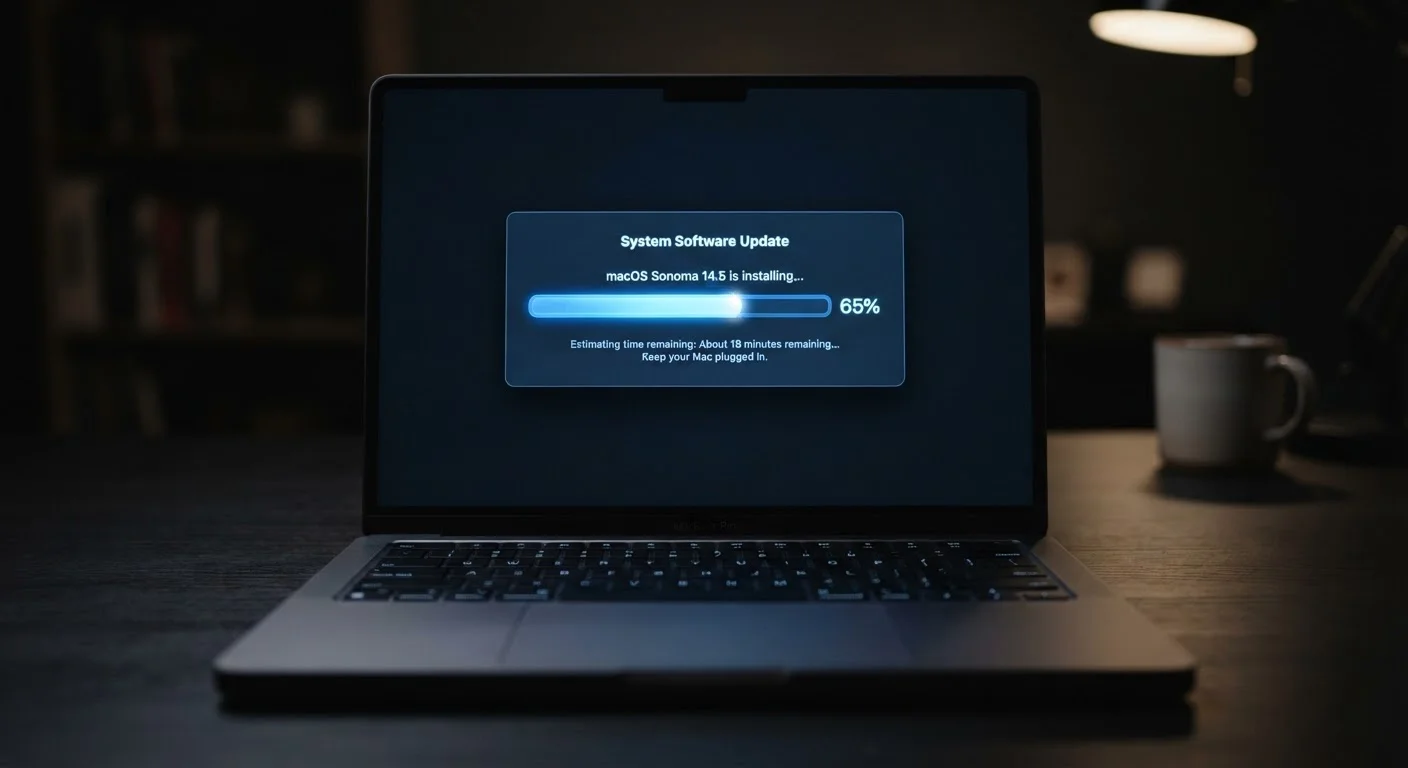
What a Software Update Actually Contains
When a developer ships an update, they're distributing a compressed bundle of code changes. At the core, most updates contain one or more of the following: security patches, bug fixes, performance improvements, or new features. These aren't mutually exclusive - a single update often carries all four at once.
Security patches are the most consequential. Developers continuously discover weaknesses in their code - sometimes on their own, sometimes reported by independent security researchers - and patches close those gaps before attackers can exploit them widely. Bug fixes address behavior that doesn't work as intended, whether that's an app crashing under certain conditions or battery drain caused by a runaway process. Performance improvements refine how efficiently the software uses your hardware resources.
The update package itself is delivered over the internet and verified against a cryptographic signature before installation, ensuring you're running code the developer actually released and not something intercepted or tampered with in transit.
60%
Of breaches linked to unpatched vulnerabilities
Cybersecurity analyses consistently find that a majority of successful breaches exploit vulnerabilities for which patches were already available but not yet applied.
15 days
Median time attackers exploit a new vulnerability
Research from cybersecurity firm Rapid7 has indicated that attackers begin targeting newly disclosed vulnerabilities within a median of roughly two weeks of public disclosure.
Why the Timing of Updates Matters
Here's the dynamic most people don't fully appreciate: the moment a security patch is released, the vulnerability it fixes often becomes more dangerous, not less. Security researchers and developers typically disclose what a patch addresses once it's available. That disclosure tells the entire internet - including malicious actors - exactly what to look for on machines that haven't updated yet.
This is sometimes called the "patch gap" - the window between a fix being available and a user actually installing it. During that window, attackers write automated tools that scan the internet for vulnerable devices and attempt to exploit them at scale. The gap can last days, weeks, or months depending on user behavior.
Think of it similarly to delaying routine car maintenance - each day of deferral doesn't feel significant, but the cumulative exposure compounds quietly until something fails.
Schedule Updates Like Any Other Task
Treat pending security updates the way you'd treat a known bill due date - set a specific time to apply them rather than waiting for a convenient moment that never arrives. A Sunday evening restart takes under five minutes for most devices and eliminates weeks of unnecessary exposure.
What Happens When You Skip Updates Consistently
Skipping a single non-critical update rarely causes immediate problems. But consistently deferring updates - especially across months - creates a layered risk profile. Security vulnerabilities accumulate. A device running an OS several versions behind may be exposed to dozens of known, publicly documented weaknesses, each one a potential entry point.
Beyond security, there are practical consequences. Apps often set minimum OS version requirements, meaning older software versions become incompatible with updated apps over time. Connected devices - including cloud-dependent smart home products - may lose features or stop functioning when backend services expect a newer client version.
Ultimately, devices that fall significantly behind on updates age faster in functional terms. Pairing timely updates with other habits that extend device longevity gives your hardware the best chance of staying useful for years rather than months.
How to Handle Updates Without the Disruption
The practical barrier for most people isn't unwillingness - it's timing. Updates interrupt workflows, and restart prompts arrive at inconvenient moments. A few habits make this manageable:
- Enable automatic updates for your operating system and apps, configured to install overnight when devices aren't in active use.
- Read the release notes briefly before major OS updates. Most platforms summarize what changed in plain language. This helps you distinguish a routine security patch from a significant UI overhaul that might need more adjustment time.
- Don't defer indefinitely. Most systems allow you to delay a restart, not the download. Let updates download in the background and plan a restart within a day or two.
For vehicles, the same principle extends to automotive software. Over-the-air updates for modern cars follow a similar logic - ignoring them can leave safety-relevant systems running on outdated firmware.
Not Every Update Carries Equal Urgency
Developers often flag updates as 'critical,' 'important,' or 'recommended.' Critical and important tags almost always indicate security relevance. Recommended updates frequently cover performance and features. If you need to prioritize, always apply security-flagged updates first - feature improvements can wait a few days without meaningful risk.
Frequently Asked Questions
Delaying a security patch carries real risk. Once a vulnerability is publicly disclosed, attackers actively scan for unpatched devices. Feature updates carry less urgency, but security-focused patches should be applied promptly - within days if possible.
It depends on the update. Some OS updates are optimized for newer hardware and may feel slightly slower on older devices. However, skipping updates entirely often leads to worse performance over time, since bug fixes and efficiency improvements accumulate across releases.
When a device reaches end-of-life, the developer stops issuing security patches. Known vulnerabilities remain permanently unaddressed, increasing exposure over time. Apps may also stop supporting older OS versions, gradually limiting what you can do with the device.
For most users, yes. Automatic updates ensure security patches are applied quickly without requiring you to track release schedules. You can usually configure them to run overnight so they don't interrupt your workflow.
No. Security patches marked as critical or urgent should be prioritized. Feature updates and UI refreshes can generally wait if needed. Reading the brief release notes - usually available in your device's settings - helps you gauge urgency quickly.
The content on this site is for informational purposes only and is not a substitute for professional advice. Always consult a qualified professional for guidance specific to your situation.