

When the Tool Becomes the Problem
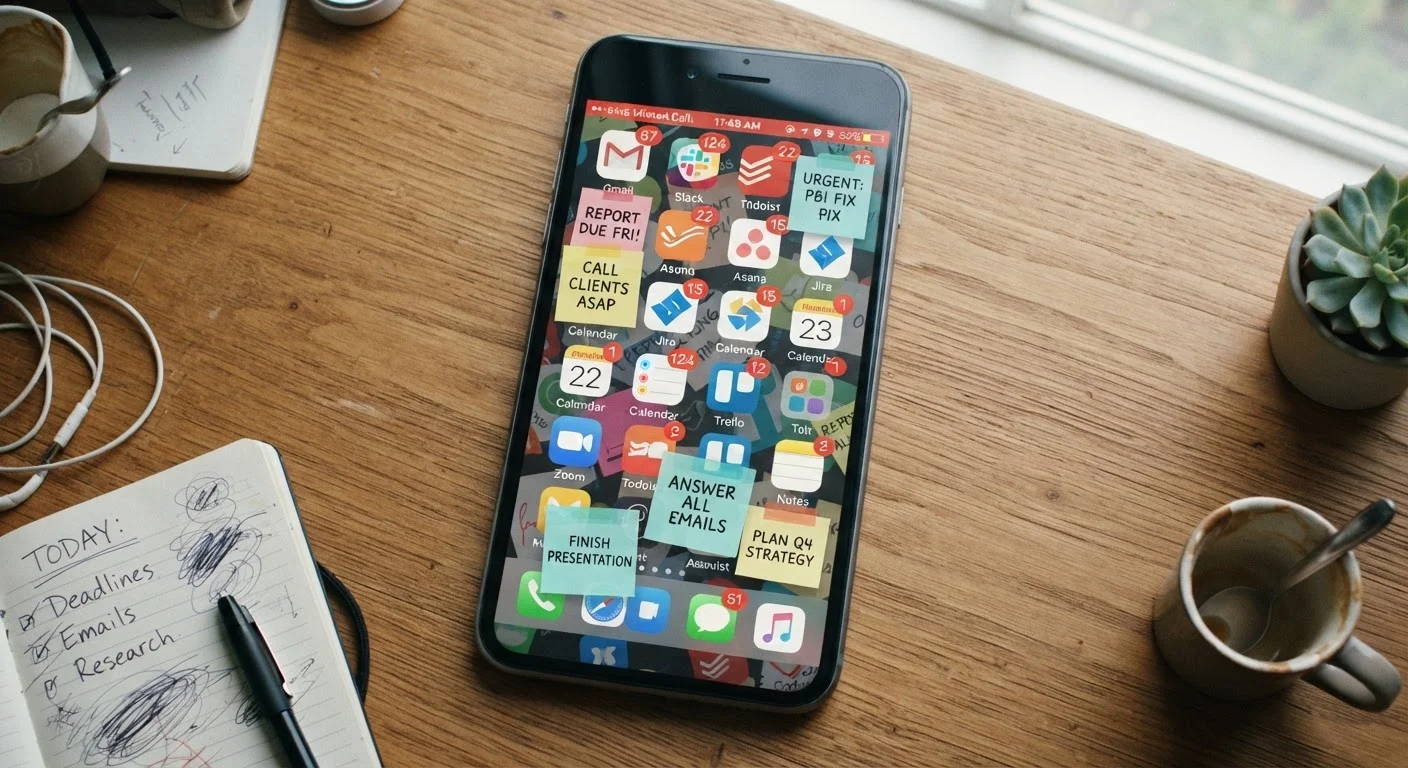
Productivity apps promise to help you get more done in less time. And they can - but only when used with intention. For many people, these tools quietly become a source of drag: another inbox to manage, another system to maintain, another source of notifications competing for attention.
The problem is rarely the app itself. It's the habits built around it. Understanding where things go wrong is the first step toward getting genuine value from whatever tools you choose. See also our guide to using calendar apps without over-engineering your day for a practical companion approach.
Using five apps to do the job one could handle.
Why it happens: New tools feel like solutions to existing frustrations, so people layer them on top of systems that are already working adequately.
Leaving all notifications enabled on productivity apps.
Why it happens: Users assume that staying notified means staying on top of things, conflating responsiveness with productivity.
Spending more time organizing tasks than completing them.
Why it happens: Sorting, tagging, and labeling feel like progress because they're low-effort activities that produce visible results without the cognitive cost of actual work.
Over-customizing an app before you've used it in real conditions.
Why it happens: Setup feels like preparation, but it's often a form of procrastination dressed up as planning.
Syncing the same tasks or notes across too many devices and platforms.
Why it happens: Cross-device access seems efficient, but each additional sync point introduces potential for duplication, version conflicts, and extra maintenance.
Why These Patterns Are So Hard to Shake
Most productivity missteps share a common thread: they feel productive in the moment. Organizing a task list is easier than doing the tasks on it. Setting up a new app gives a hit of novelty and optimism. Checking notifications feels like staying on top of things.
40%
Of workday time lost to task-switching
Research from the American Psychological Association suggests that switching between tasks can cost as much as 40% of productive time due to the mental cost of reorientation.
23 min
Average time to refocus after an interruption
Studies from the University of California, Irvine have found it takes an average of about 23 minutes to return to deep focus after a single interruption - including a notification check.
These behaviors are reinforced by the apps themselves, which are often designed to encourage frequent interaction. The result is a feedback loop where managing the system crowds out actually using it. Awareness alone won't fix this - structural changes to how you set up and interact with these tools are what move the needle.
If you've noticed similar friction creeping into other digital habits, the patterns explored in social media habits that quietly drain your mental energy offer a useful parallel. The same notification-driven distraction cycles apply across most apps, not just productivity ones.
App Subscriptions Add Up Quietly
Many productivity apps shift to paid tiers after a free trial. It's easy to accumulate several subscriptions for tools you barely use. Review your active app subscriptions every few months and cancel anything that doesn't earn a daily open. For broader guidance on spotting similar budget leaks, see our piece on spending patterns that quietly derail budgets.
Building a Setup That Actually Works
Getting more out of productivity tools usually means doing less with them, not more. Pare your toolkit down to two or three apps with clearly defined, non-overlapping jobs. Audit your notification settings and turn off anything that doesn't require an immediate response - most productivity app alerts fall into that category.
Reserve customization sessions for scheduled maintenance windows, not open-ended tinkering. And before adopting any new tool, ask a simple question: does this solve a real problem I already have, or am I hoping it will create a new, better workflow? The latter rarely works out.
Sustainable productivity systems tend to be boring on the surface - a single task list, a lean calendar, and consistent daily habits. If your current setup feels exciting to configure but exhausting to maintain, that's a reliable signal it needs to be simplified. For a look at how over-engineered automation creates similar issues in other areas, home automation routines worth setting up is worth a read.
The content on this site is for informational purposes only and is not a substitute for professional advice. Always consult a qualified professional for guidance specific to your situation.